Hong Kong Airport WiFi & SIM Cards: Free Access Guide
Is Hong Kong airport WiFi free? How to connect, what to do if it fails, and whether a SIM, eSIM or pocket WiFi is worth it for your trip.
On this page
Last updated November 2026: Hong Kong airport WiFi is free across the passenger terminals, and you connect by accepting terms on a sign-in page. Transit passengers and short-stay visitors can often rely on it alone. Anyone staying longer, working remotely or sharing data with a group should still line up a SIM, eSIM or pocket WiFi, as the table below shows.
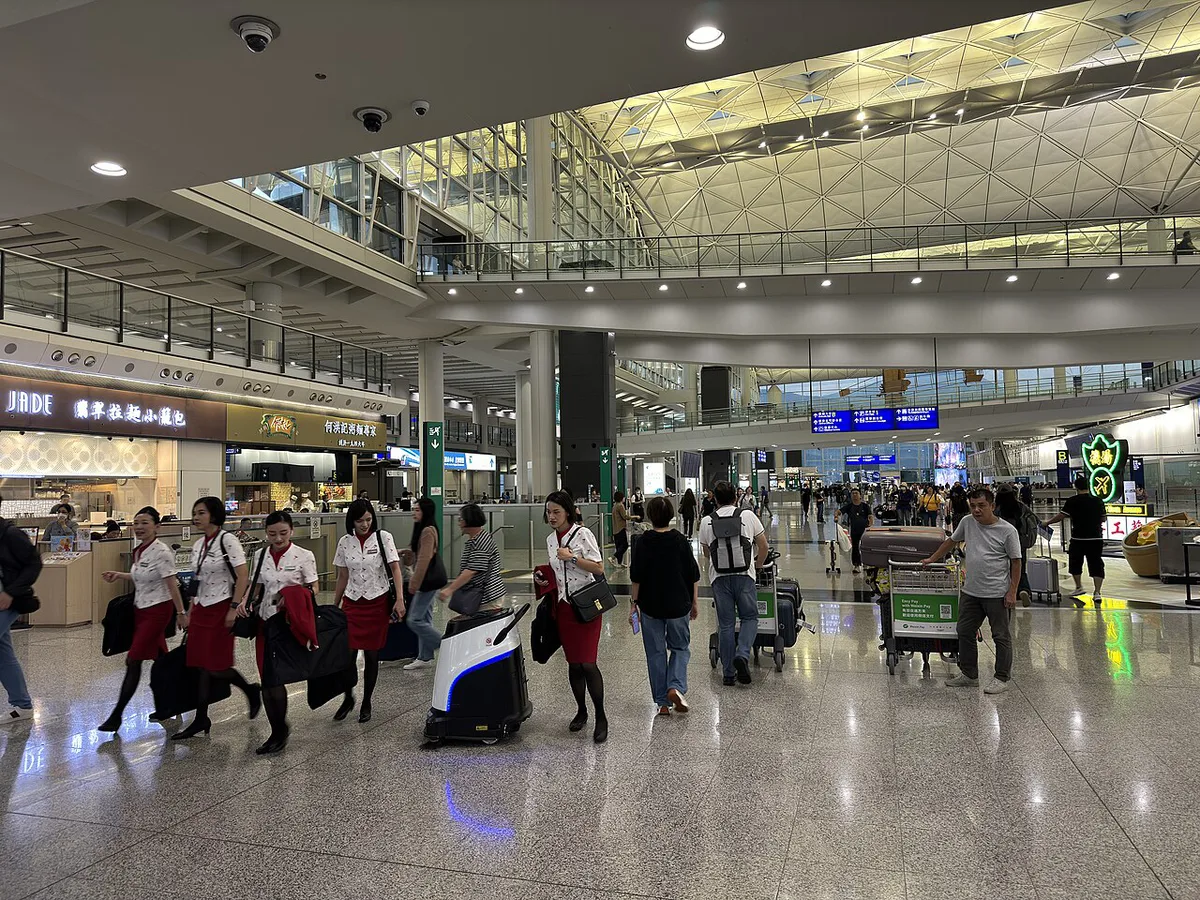
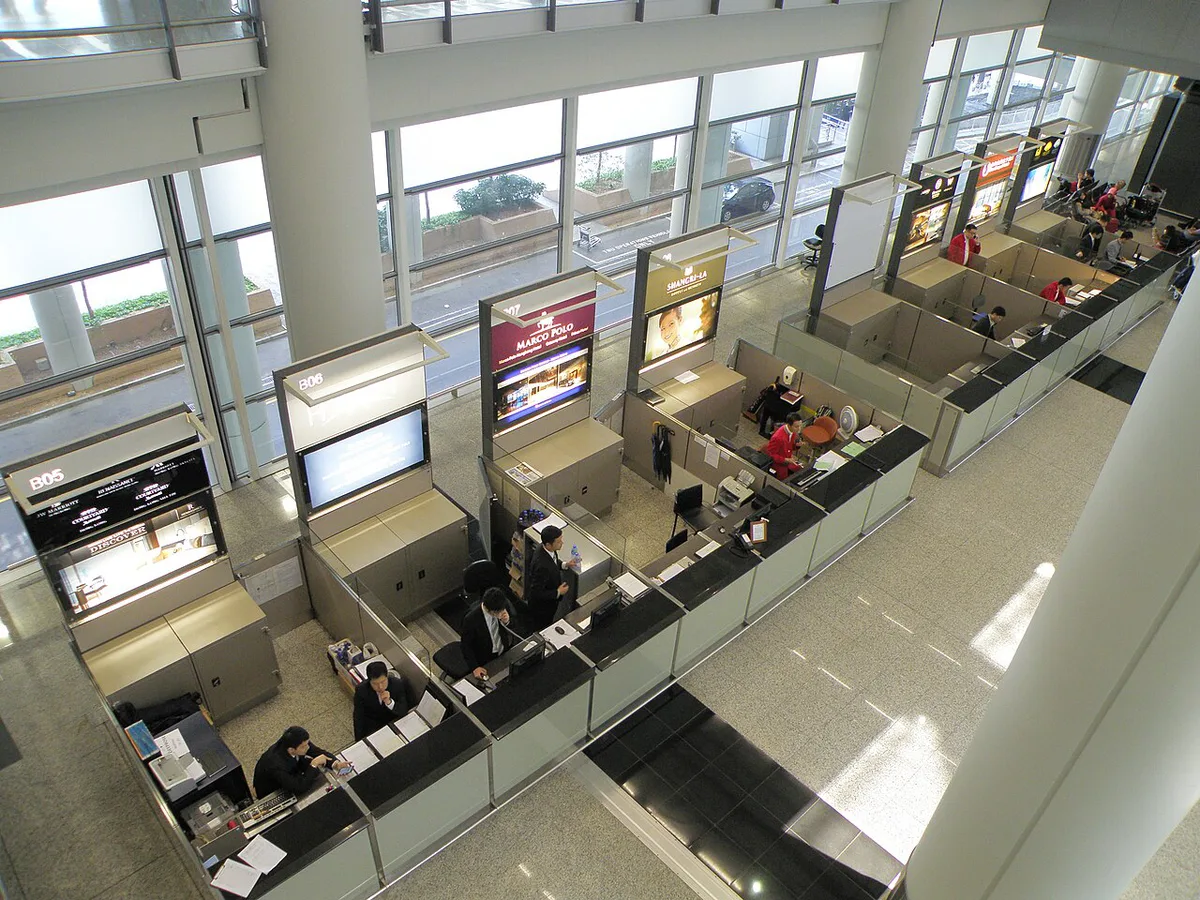
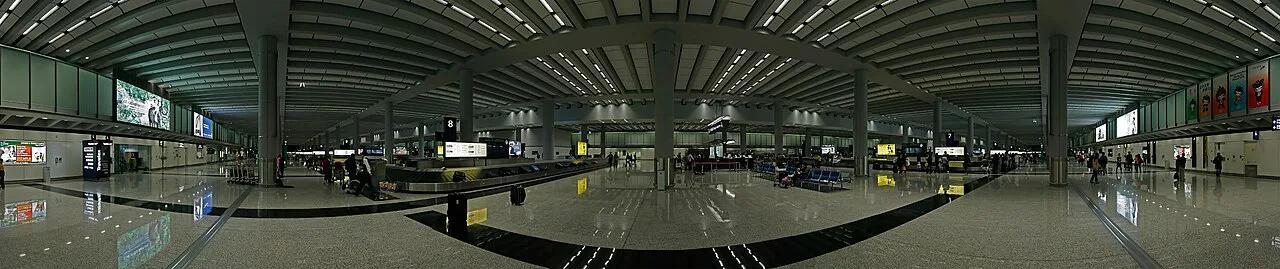
Featured image: LN9267, CC BY-SA 4.0, via Wikimedia Commons.
Is Hong Kong airport WiFi free?
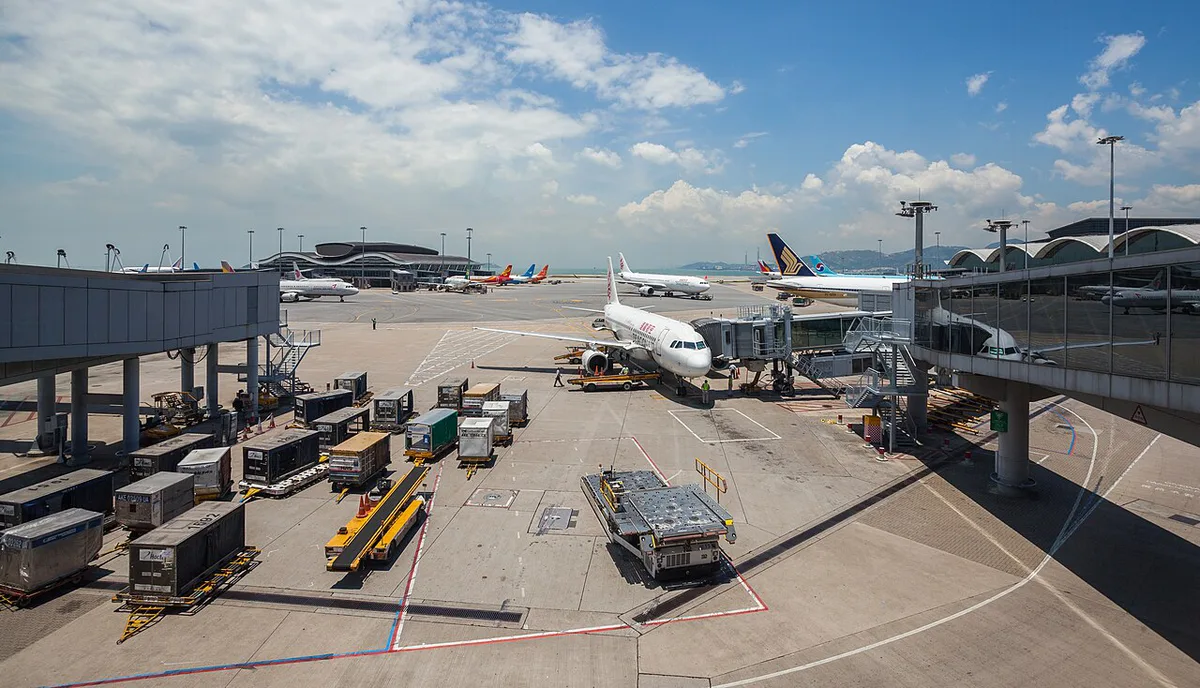
Yes. Hong Kong International Airport (HKIA) offers free wireless internet in most seating and public areas of its passenger terminals. No account or password is needed. You get access through a sign-in page that asks you to accept the terms.
Network names are listed on the airport's own site and on signage in the terminal. Look for an HKAirport network with "Free WiFi" in its name. Some guides also mention a "Wi-FiHK via HKAirport" fallback. Names can change, so match what you see on your phone to the airport's signs and website. Prices and details here were checked November 2026.
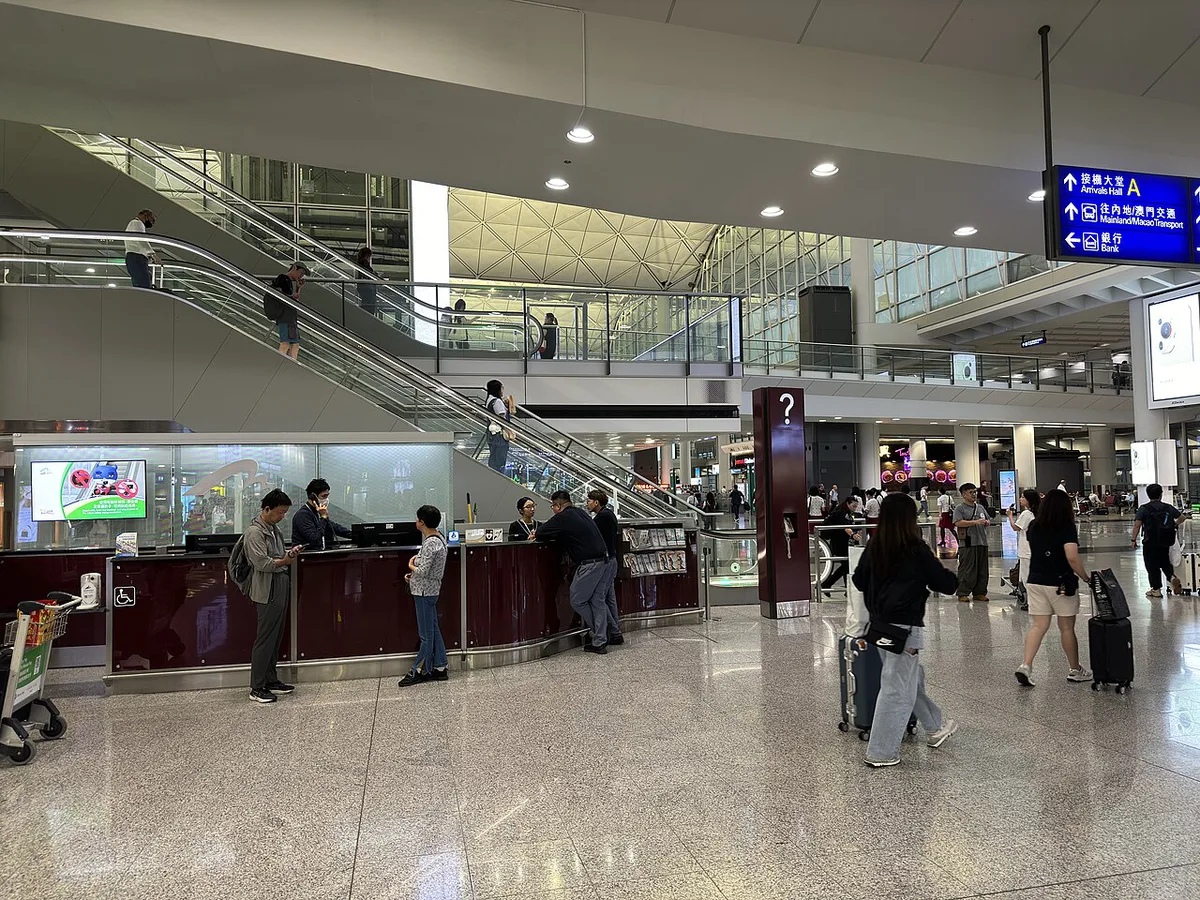
How to connect to Hong Kong airport WiFi, step by step
Setup takes a few taps. Turn off mobile data or data roaming before you land if you plan to depend on WiFi. That one step prevents surprise roaming charges.
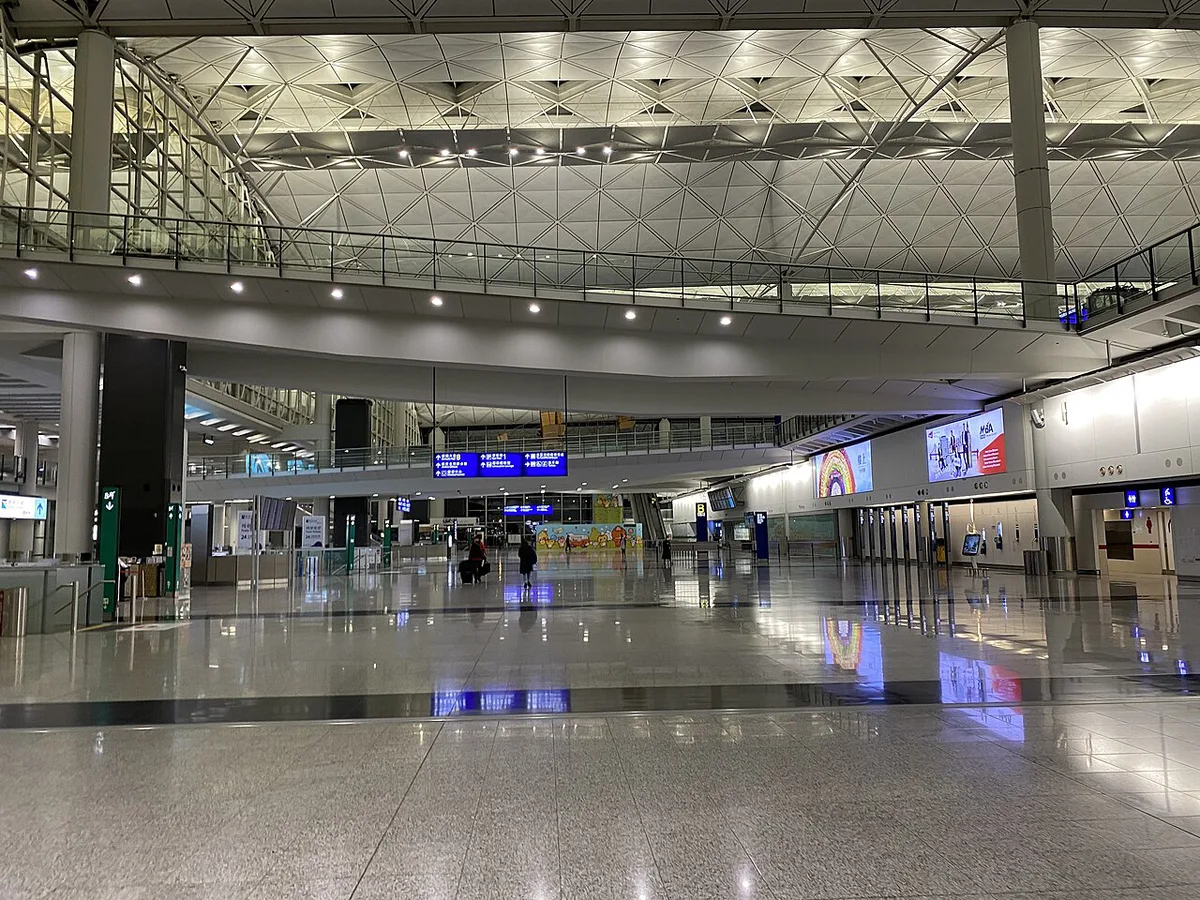
- Open your phone's WiFi settings and pick the airport's free network from the list.
- Wait for the sign-in page to open. Most phones show it automatically.
- If nothing appears, open your browser and type a plain web address that starts with http, such as neverssl.com.
- Read the terms and tap the accept or connect button.
- Switch WiFi off and on again if the page still fails to load.
Free WiFi vs SIM vs eSIM vs pocket WiFi: which to choose
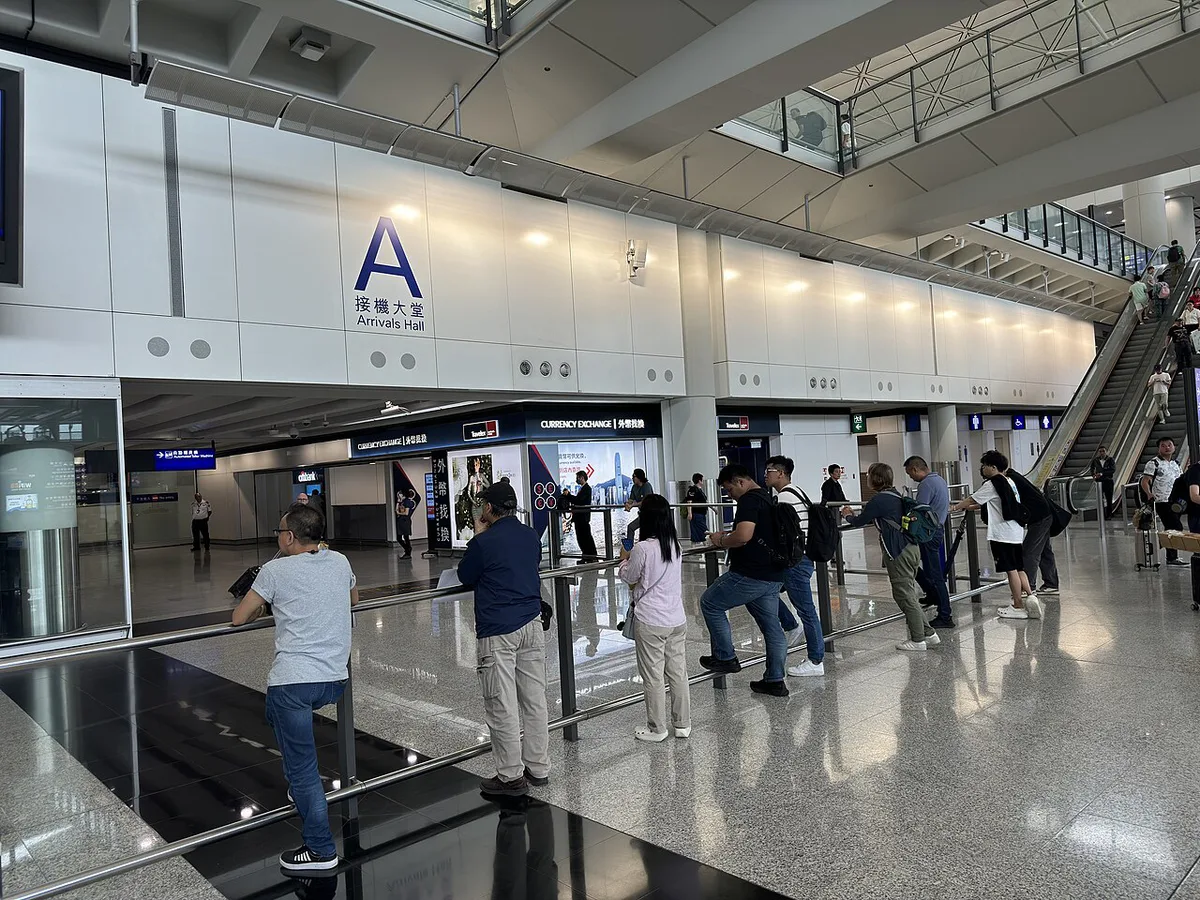
Pick by trip length and by how much you need to be online. A transit passenger has very different needs from a remote worker. Use this table as a starting point, with cost shown as relative levels because plan prices change often.
For a stay of 1–3 days, pair airport WiFi with an eSIM installed before landing, so a portal fault cannot leave you offline.
| Traveler type | Best option | Cost level | Setup | Main trade-off |
|---|---|---|---|---|
| Transit only | Airport free WiFi | Free | Accept terms on sign-in page | Session may time out; shared network |
| Short stay, 1–3 days | Free WiFi plus eSIM or small tourist SIM | Low | eSIM before landing; SIM at arrivals | SIM counters may have queues |
| Week-plus trip | Tourist SIM or eSIM with a larger data allowance | Low to mid | Install eSIM early or buy a SIM on arrival | Check that your phone is unlocked |
| Multi-country Asia trip | Regional or multi-country eSIM | Mid | Install before departure | Needs an eSIM-compatible phone |
| Remote worker | Local SIM or eSIM, with airport WiFi as backup | Mid | Set up before landing | Open WiFi is poor for work logins |
| Group sharing one device | Pocket WiFi rental | Mid to high | Reserve before travel; collect and return at the airport | Return logistics and a deposit or fee |
| Locked or eSIM-incompatible phone | Physical SIM or pocket WiFi | Low to mid | Buy at arrivals or reserve a rental | Passport may be needed to register a SIM |
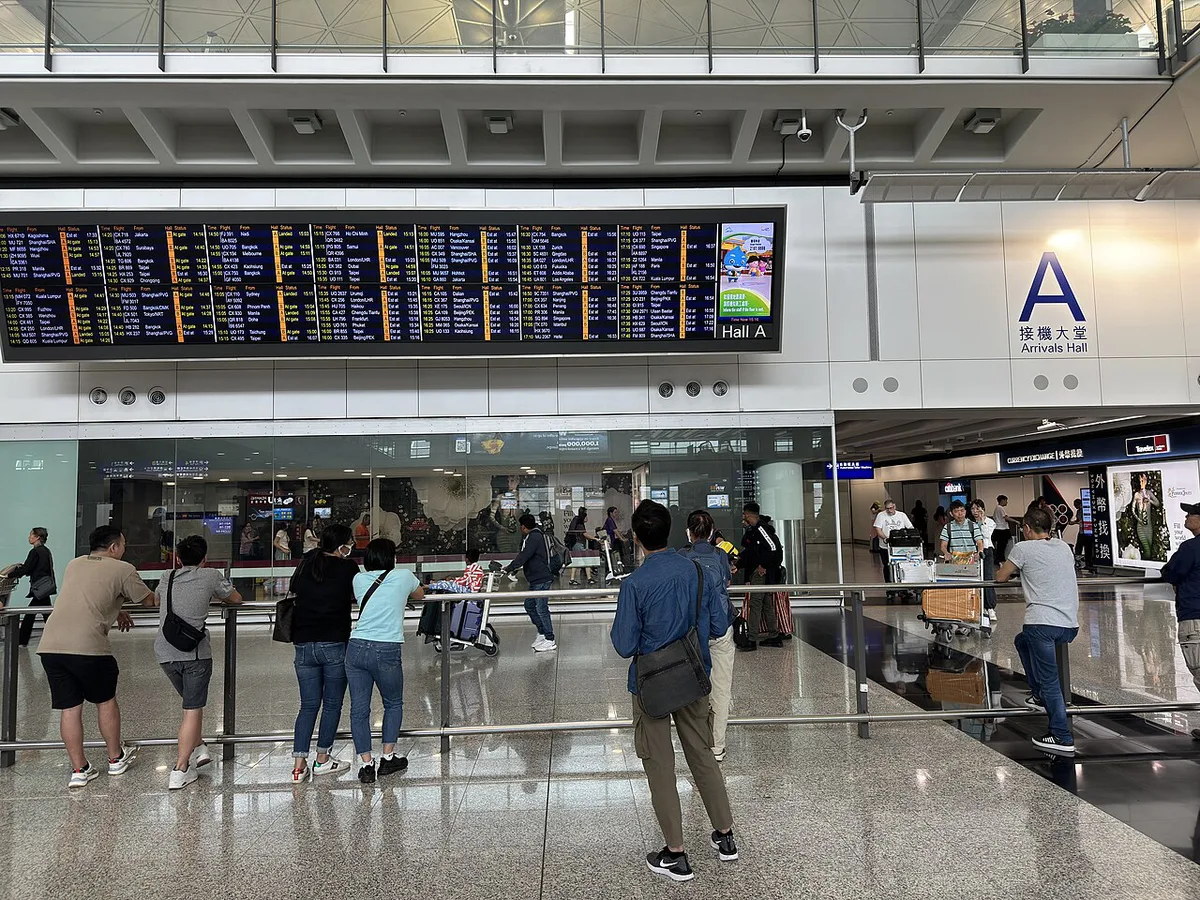
Buying a SIM or renting WiFi at the airport
Hong Kong airport sells SIM cards and mobile data services in the arrivals hall. Current operators, counter locations, plan prices and ID rules are listed on the official HKIA passenger services pages. Use our terminal map guide to orient yourself before you walk out of customs.
Prepaid SIM registration usually involves a passport. Have yours ready and make sure your phone is unlocked before you queue. Pocket WiFi rentals are collected and returned at the airport, so allow time on your departure day for the return.
If Hong Kong airport WiFi is not working
Most failures come from the sign-in page not opening. Start by toggling WiFi off and on, then try an http address in your browser. Move to a different seating area if the signal is weak.
If the problem continues, ask at a Customer Service Counter. One competitor-style list gives the airport service line as 2188 7799, but check it on the HKIA site before relying on it. Keep your mobile data or a downloaded eSIM as a fallback so a portal fault never strands you.
Staying safe on airport WiFi
Open networks are fine for maps, messages and flight checks. Keep sensitive logins off them.
- Match the network name against airport signage before joining.
- Skip banking apps on open WiFi, or use a VPN.
- Decline any unexpected certificate, profile or app install.
- Turn off auto-join so your phone does not reconnect to look-alike networks.
- Leave roaming off if you rely on WiFi.
Connectivity for your next step
You will want data for maps, ride apps and payment apps as soon as you clear arrivals. Read our airport to city center guide before you land. It covers your options for reaching the city.
Train riders should check the MTR Airport Express page for current onboard connectivity, since the train and the terminal may not share a network. Our Airport Express guide covers the ride itself. If you prefer a car, see the airport taxi guide.
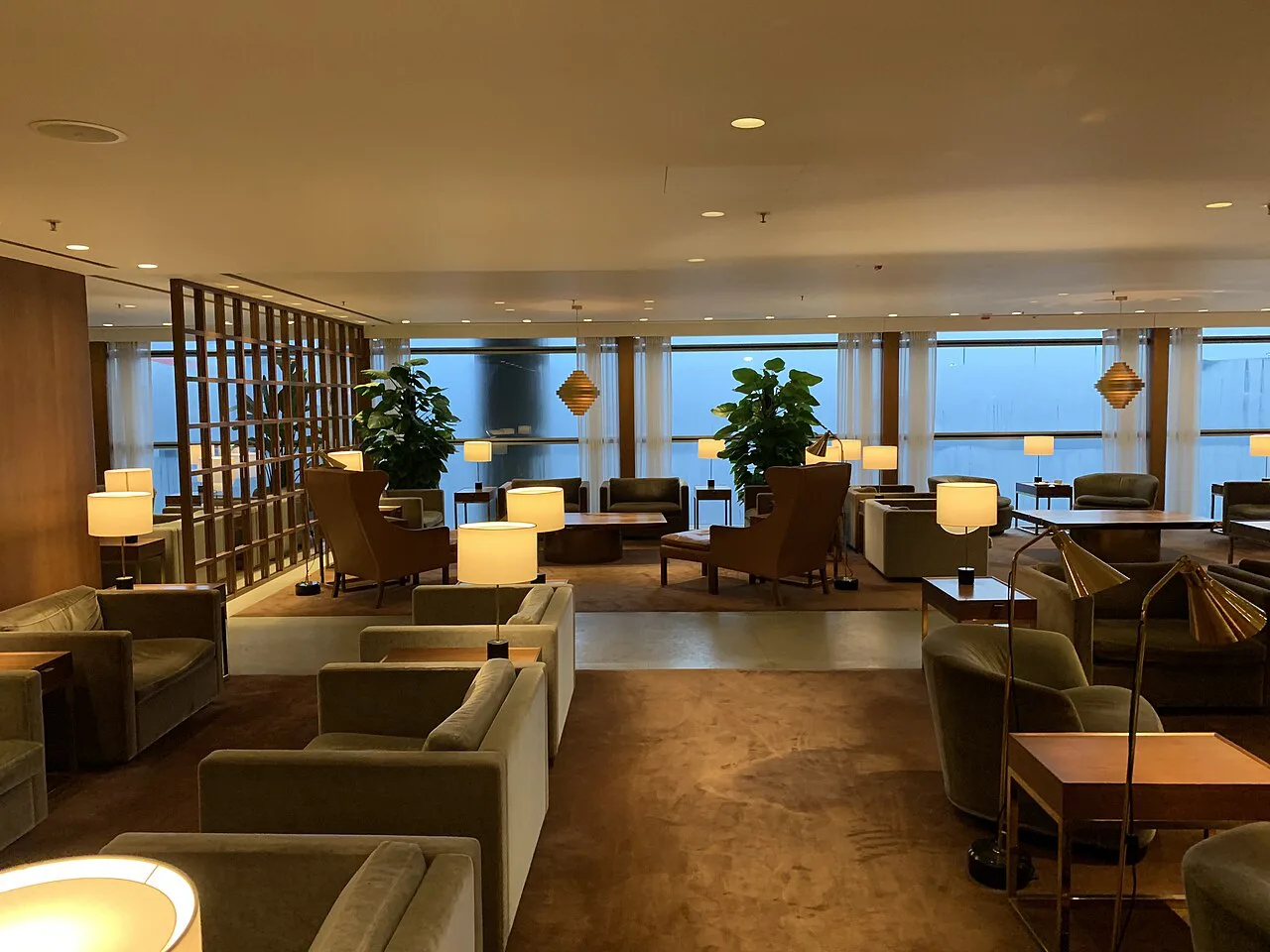
Long waits change the plan. Our layover guide and airport sleeping tips show where to settle in with WiFi and charging. Lounge access usually brings a separate network. Everything else about the terminals sits in our 6 Hong Kong Airport Guides for Transfers & Layovers.
Frequently Asked Questions
How can I get WiFi for free at Hong Kong airport?
Join the airport's free WiFi network in any terminal seating or public area. Accept the terms on the sign-in page and you are online. Switch off mobile data first to avoid roaming charges.
Which SIM card is best for Hong Kong tourists?
It depends on your stay and your phone. For 1–3 days, a small tourist SIM or eSIM is usually enough. For a week or more, or a multi-country trip, pick a larger plan. Check that your phone is unlocked before you buy.
What should I do with a 12 hour layover at Hong Kong airport?
Use the free WiFi to plan, then decide whether to stay airside or head out. Our layover guide lays out both options. Keep data available for maps and ride apps if you leave.
Notes for your next connection
Optional updates when our airport guides change.
You might also like
Continue reading
More guides you'll find useful