Pudong Airport WiFi: Free Login, eSIM & SIM Card Guide
How to connect to Pudong Airport WiFi, what you need to log in, and whether to use an eSIM, SIM card or roaming for China. Practical steps and trade-offs.
On this page
Last updated November 2026. Pudong airport wifi is free, but you register before you get online, usually with a phone number or a passport scan. Sort your eSIM, offline maps and hotel address before you leave home, so a failed login never leaves you stranded. Our Shanghai Airport Guide: 5 Decisions for PVG and Hongqiao covers the rest of PVG.
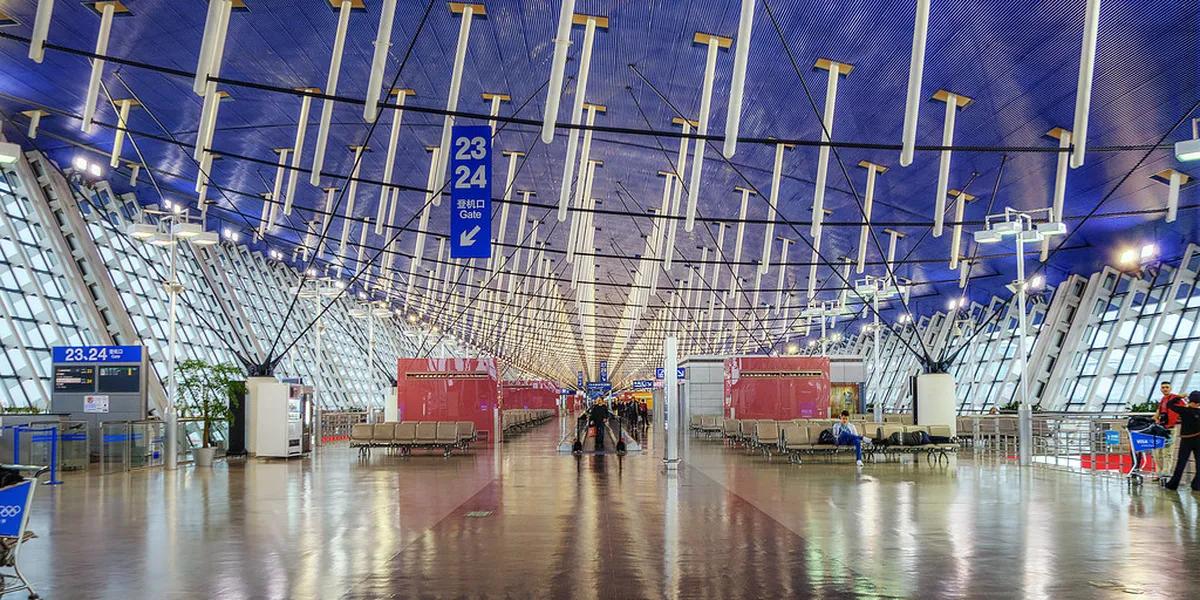
Featured image: Yuya Sekiguchi, CC BY 2.0, via Flickr.
Quick answer: does Pudong Airport have free WiFi?

Yes. Shanghai Pudong International Airport (PVG) offers free Wi-Fi in both terminals, and you register through a login page before it works. Travelers report two routes: an SMS code sent to a phone number, or a code issued after a passport scan at an airport kiosk. Treat Wi-Fi as a backup, not your only plan. Install an eSIM before you fly, or have another data source ready for the arrivals hall. Wi-Fi then covers boarding passes and messages while you wait. Both Pudong and Hongqiao are run by the Shanghai Airport Authority, whose official airport website is the place for current service details.
How to connect to PVG airport WiFi, step by step

Registration is a captive portal. Your phone joins the airport network, then a login page asks you to prove who you are. Follow these steps in order, and move to the next only if one fails.
| Login route | What you need | Main risk |
|---|---|---|
| SMS code | A phone that can receive texts | Foreign numbers may get the code late or not at all |
| Passport-scan kiosk | Your physical passport | Kiosk location is not confirmed, so you may need to ask staff |
| Skip airport Wi-Fi | An eSIM, local SIM or roaming plan | Setup must be done before or on arrival |
- Turn on Wi-Fi and pick the free airport network. Look for a network name containing "Airport" and "Free" in the list.
- Open any web page if the login page does not appear on its own. Use a plain http address if your browser blocks the redirect.
- Enter your phone number and request the SMS code. Type the code into the portal within a minute or two.
- If no SMS arrives, look for airport information desks and signage pointing to a passport-scan kiosk. Scan your passport photo page to get a code.
- If neither route works, switch to your eSIM or roaming and skip airport Wi-Fi.
Which option is right for you? WiFi vs eSIM vs SIM vs roaming

Pick by trip length and how much you depend on your phone. Costs below are relative, because plan prices change often. A short layover rarely justifies buying anything. A week-long trip usually does. Check that your phone is unlocked and eSIM-capable before you buy a digital plan.
Transit visitors on the 240-hour visa-free transit policy should confirm the rules on the official page before buying a data plan.
| Traveler type | Best fit | Setup effort | Data on arrival |
|---|---|---|---|
| Short layover | Airport Wi-Fi only | Low | After registration |
| 240-hour visa-free transit visitor | eSIM bought before departure | Medium | Yes, if installed at home |
| One-week tourist | eSIM or roaming | Medium | Yes |
| Long stay | Local SIM or long-term eSIM | High | Yes, after registration steps |
| Business traveler | Roaming or eSIM | Low to medium | Yes |

- Roaming and some eSIMs route traffic outside China, which keeps access to foreign services without a VPN.
- A local SIM or local-only eSIM usually carries China's normal filtering, so foreign apps may not load.
- Check each provider's routing before you pay, because it differs by plan.
Before you land: set up data for China
Do your setup at home on reliable Wi-Fi. Install your eSIM profile, but keep it switched off until you land if the plan starts on install. Download an offline map of Shanghai and a translation app. Many foreign apps and services are restricted in mainland China, so test the ones you rely on. Install any VPN you plan to use before departure, because download sites for it may not load in China. Save your hotel address in Chinese and screenshot your booking. Ride and payment apps need data to work, so a live connection matters more than airport Wi-Fi here. If you qualify for the 240-hour visa-free transit policy, read the official policy page before you fly.
At the airport: where to get online and charge
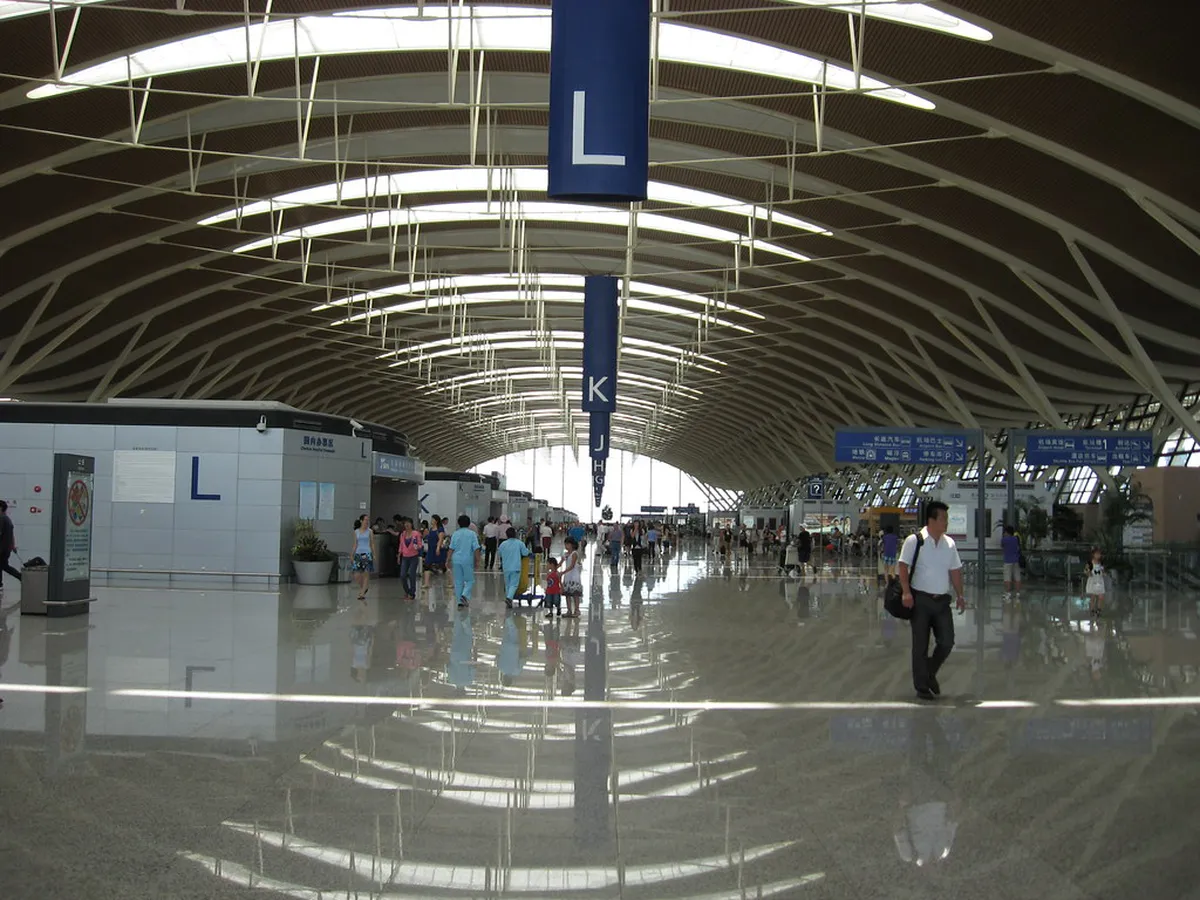
Pudong has two terminals, and Wi-Fi registration works the same way in each. Use the terminal map to pick a seating area near your gate. Look for airport information desks and signage if you need help finding a kiosk or SIM sales point. Power banks have a firm rule. Since June 28, domestic-flight passengers may not carry power banks without a 3C mark, with an unclear 3C mark, or of recalled models or batches. Remove power banks from your bag before security screening so staff can check them. The same notice applies at Hongqiao. Lounge Wi-Fi may be a separate login, so ask at the desk. Our lounge guide covers access options.
Layover, overnight and work use
For boarding passes, messaging and light browsing, airport Wi-Fi is enough once you are registered. One traveler review says it "works fine after registration". Treat that as one report, not a guarantee. Video calls and large uploads are better on an eSIM or in a lounge. Plan your connection around your layover length. Our layover guide shows what fits into a few hours. If you need to rest, read about sleeping at the airport. Save boarding passes and gate details offline in case the portal drops.
Troubleshooting: OTP, captive portal, drops, no signal
Work through fixes from least to most effort.
| Problem | First fix | Fallback |
|---|---|---|
| SMS code never arrives | Request it again and wait a minute | Use a passport-scan kiosk or your eSIM |
| Login page will not load | Turn off any VPN and open an http page | Forget the network, then reconnect |
| Session drops | Log in again on the portal | Switch to mobile data |
| No phone number to use | Ask at an information desk for the kiosk route | Buy or activate an eSIM |
| Phone lacks eSIM support | Check for an unlocked physical SIM slot | Use roaming or a SIM from an official carrier counter |
Next steps after you're online
Once connected, message your hotel and open your transport app. Our guide to getting from the airport to the city compares your options. For speed, read about the Maglev train, and check the Maglev operator for current times. If you need a bed first, see airport hotels or the transit hotel page. Prices and hours checked November 2026. Hongqiao connects to Pudong too. A scheduled night bus runs from Hongqiao East Transport Center (Terminal 2, waiting room 2) straight to Pudong. Departures are 22:30, 23:10, 23:40, 00:30 and 01:00, and the fare is ¥36.
Frequently Asked Questions
Is Wi-Fi available in Shanghai airport?
Yes. Pudong and Hongqiao both offer free airport Wi-Fi with a registration step. Have a phone number or your passport ready, and keep an eSIM as a backup.
How do I go to Pudong Airport?
Our guide to airport transfers covers every route. From Hongqiao, a night bus to Pudong costs ¥36 and runs from 22:30 to 01:00.
Notes for your next connection
Optional updates when our airport guides change.
You might also like

Continue reading
More guides you'll find useful