KLIA WiFi and SIM Cards: Free Wi-Fi, eSIM and Where to Buy
How KLIA free Wi-Fi works, when a SIM or eSIM is the better pick, and where to get connected at Kuala Lumpur airport before you head into the city.
On this page
Last updated November 2026. KLIA WiFi is free across the passenger terminals, and it is enough for messages, flight checks and a quick map search. A SIM or eSIM is the better pick once you need a ride-hailing app, a long video call or data for your whole trip. This guide covers KLIA and KLIA2 and sits inside our full airport guide.
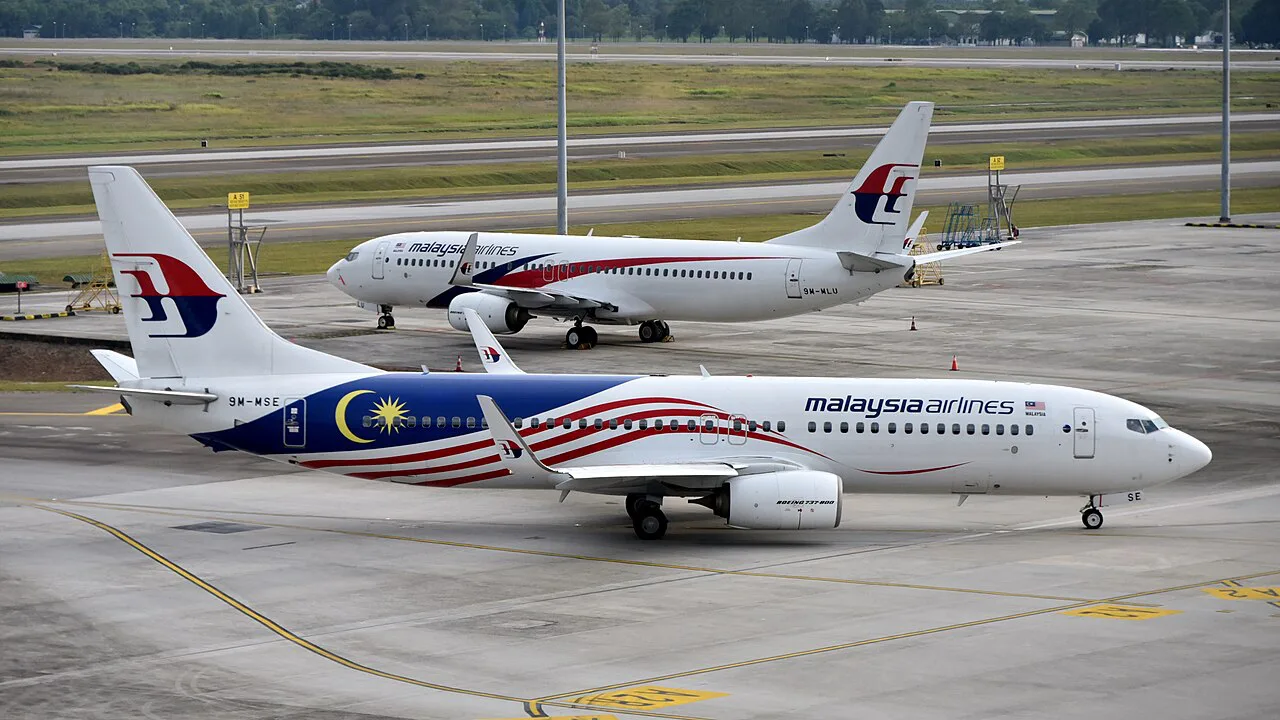
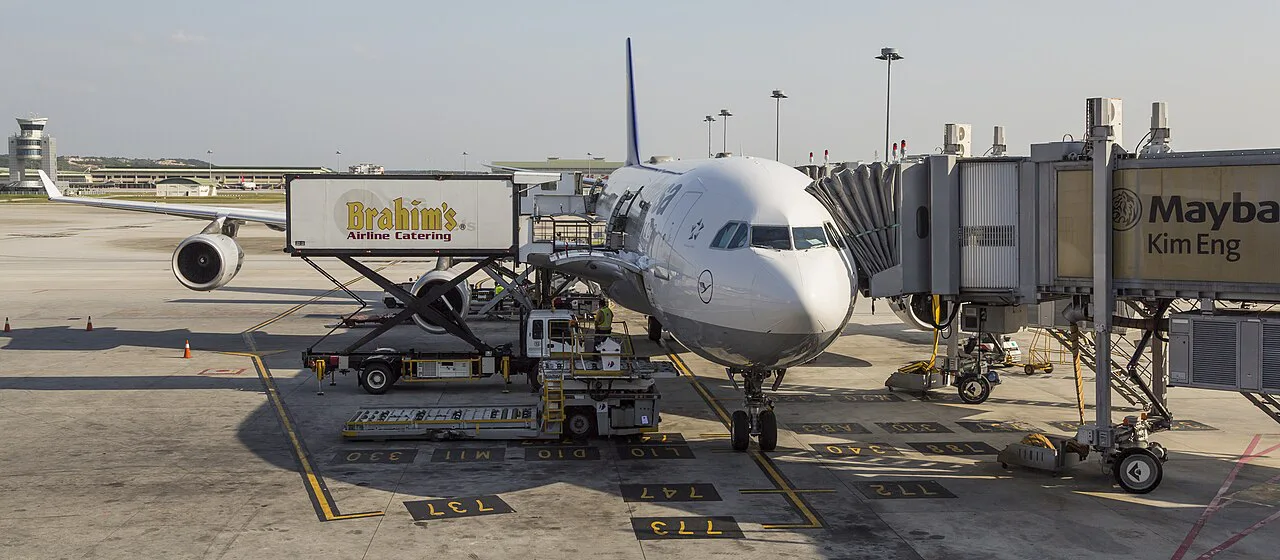
Featured image: Taufik, CC0, via Wikimedia Commons.
Is there free KLIA WiFi at Kuala Lumpur airport?
Yes. Malaysia Airports offers a free Wi-Fi tier in the passenger terminals, and its klia2 Wi-Fi page says access covers most seating and public areas. The same page lists a paid premium tier at RM8 for unlimited data over 24 hours, capped at 2 Mbps per device, sold online or with cash at terminal vending machines and participating Eraman outlets. It does not state the free tier's session length or the network name, and older traveler guides disagree on both, so follow the signage in each terminal. Transit passengers who stay airside can use the same free service while they wait.
How to connect, and what to do if it fails
Connecting takes under a minute on most phones. Switch off mobile data first so the phone does not fight the airport network. Then follow the steps below.
- Open Wi-Fi settings and pick the airport network listed on the terminal signs.
- Open a browser and visit any plain http page to trigger the login screen.
- Tap the connect or surf button and accept the terms.
- If the page never loads, forget the network, reconnect and try again.
Why can't I connect to airport Wi-Fi?
The usual causes are simple. A VPN left switched on can block the login page. A saved but expired session can leave the phone attached with no internet. Crowded gate areas also weaken the signal, so move closer to a pillar sign or a seating bank. If a session timer has run out, disconnect and rejoin the network. For anything urgent, such as booking a ride, switch to a SIM or eSIM instead of retrying.
Free Wi-Fi vs SIM vs eSIM: which should you pick?
Match the option to your stay length and what you need online. The table below uses qualitative cost levels, because plan prices change often. Anyone who needs a Malaysian number for banking or deliveries should choose a SIM.
| Option | Best for | Cost level | Who should skip it |
|---|---|---|---|
| Free airport Wi-Fi | Layovers, messages, flight updates | Free | Anyone who needs steady data outside the terminal |
| Tourist SIM | Stays of several days or more, a local number | Low to moderate | Travelers with locked phones or arrivals when counters are closed |
| eSIM | Short trips, setup before landing | Low to moderate | Phones that do not support eSIM |
Buying a SIM or eSIM at KLIA
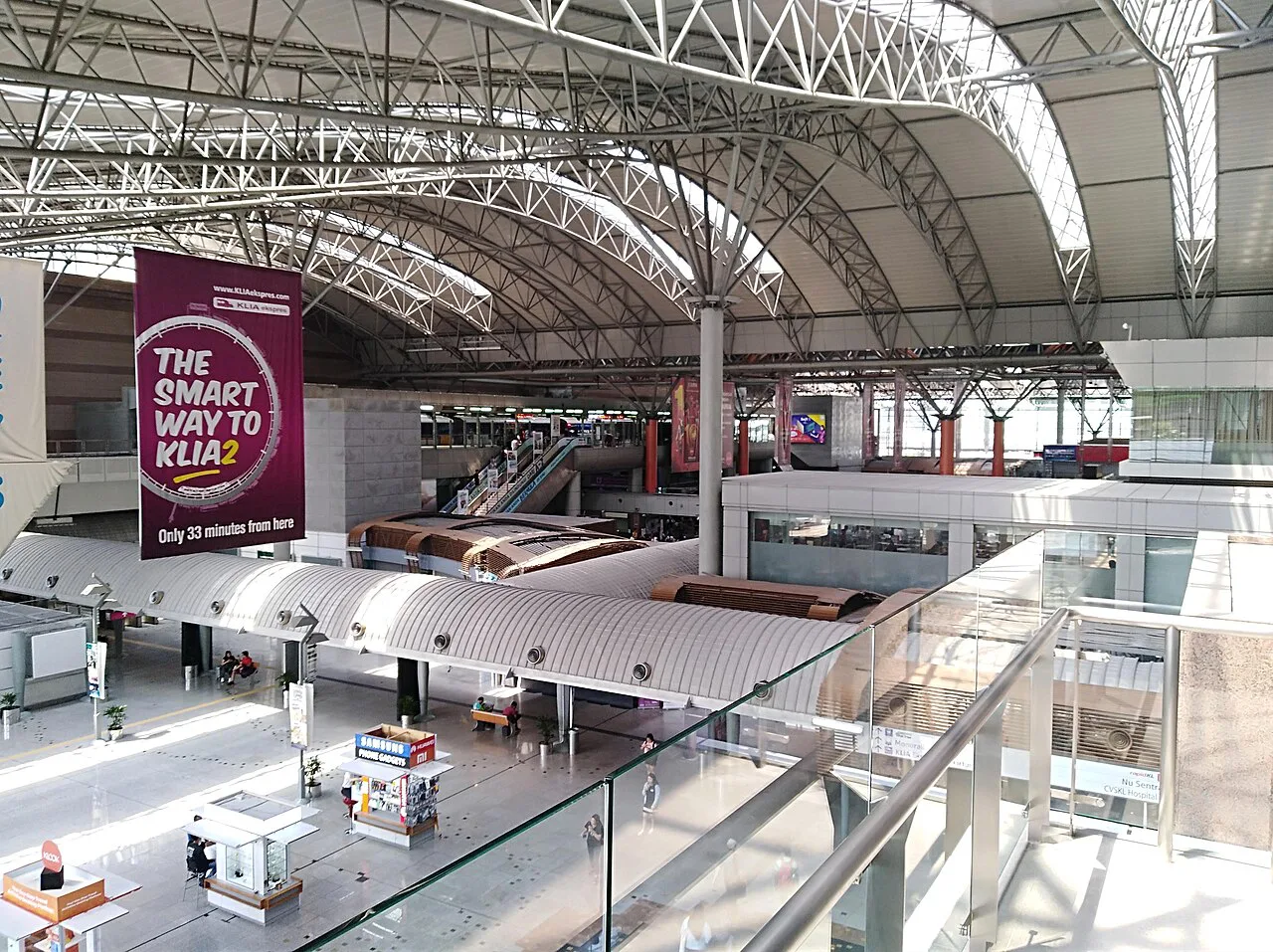
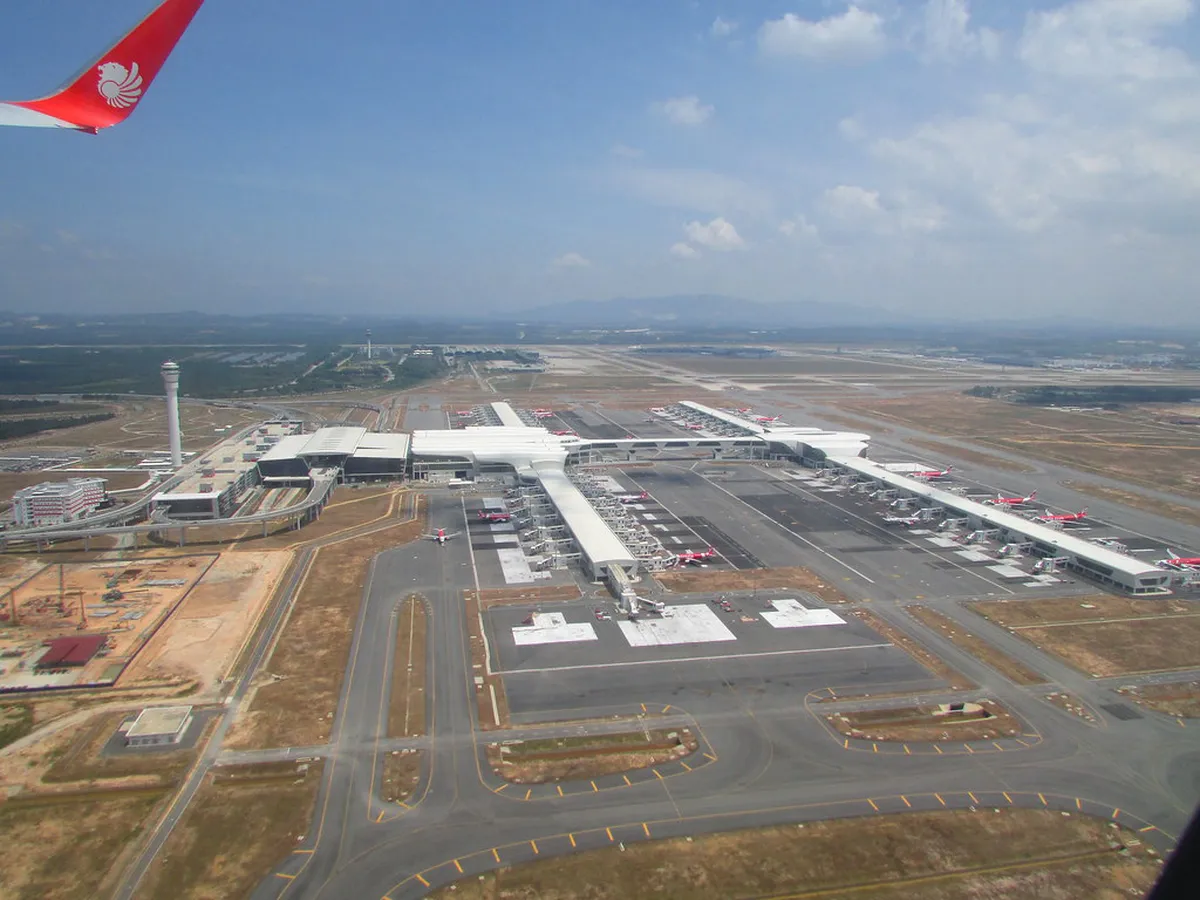
Telecom counters operate in the arrivals areas at KLIA and KLIA2. Provider names, locations and opening hours vary, so read the signs after baggage claim. Expect to show your passport when you buy a physical SIM. Ask the staff to install and test it before you leave the counter. Your phone must be unlocked, or the SIM will not work. Use the terminal map to locate arrivals and tell the two terminals apart. Late-night and early-morning arrivals are the risky case, so do not count on a counter being open.
- Buying a SIM after leaving the arrivals hall without checking counter hours.
- Forgetting to unlock the phone before departure.
- Relying on a timed Wi-Fi session when you need to book a ride.
Setting up an eSIM before you land
An eSIM avoids the counter entirely. Check that your phone supports eSIM and is carrier-unlocked. Buy and install the plan while you still have home Wi-Fi, then enable it on arrival. Keep your home SIM active for verification texts, and switch data roaming on for the eSIM line only. Activation timing differs by provider, so read the plan's start rules before you buy. This is the best route for a late arrival, because you can book a ride from the gate.
Staying connected on a short layover
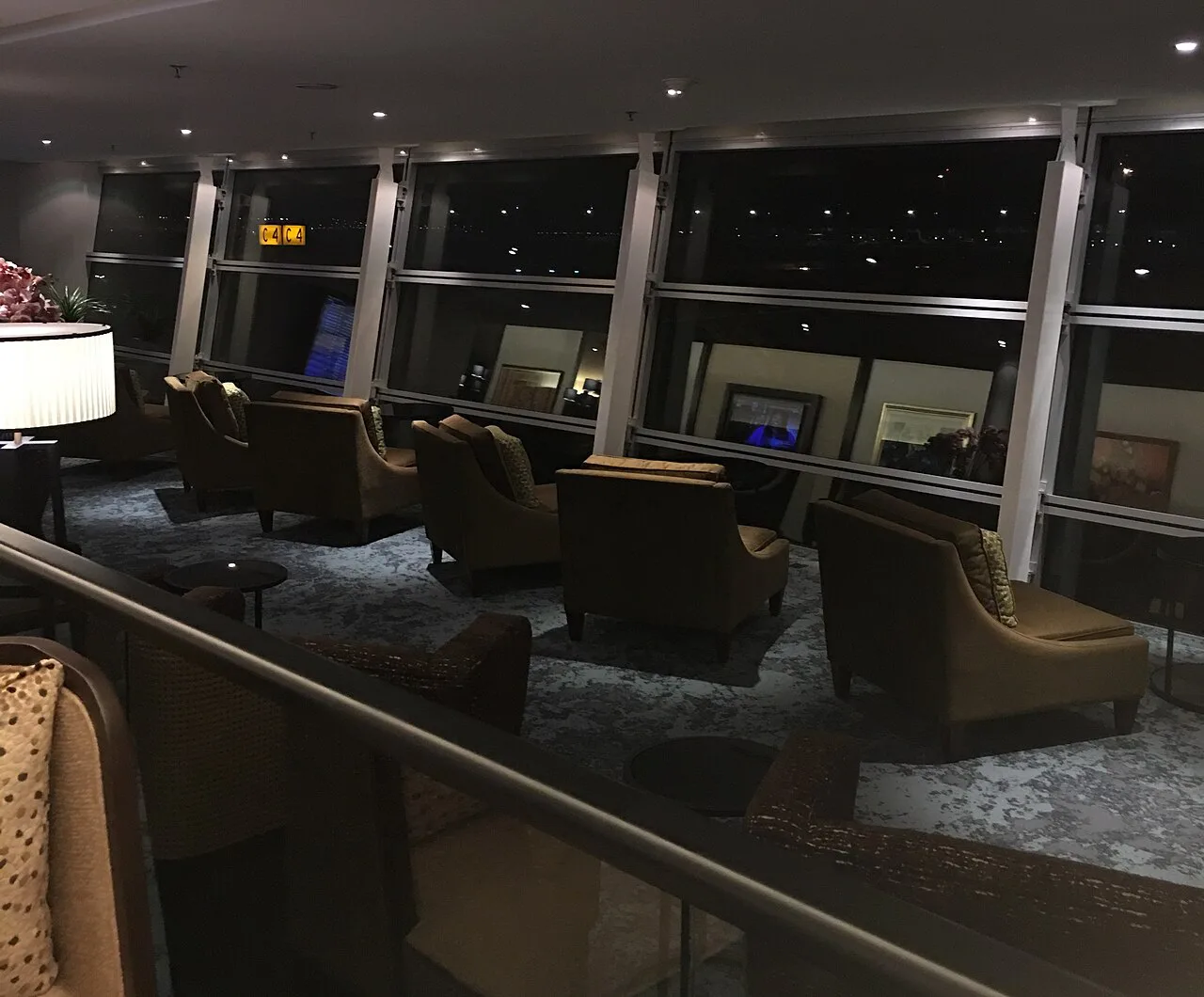
Free Wi-Fi is usually enough for a layover under 6 hours. Passengers who stay in transit never clear immigration, so they cannot use an arrivals SIM counter. Our layover guide explains how to plan the gap. If you need a faster connection or a quiet desk, see airport lounge options. Lounges often provide their own Wi-Fi, so ask at the entrance.
Free Wi-Fi covers a layover under 6 hours, but a timed session can run out right when you need to book a ride.
Charging, work spots and security tips
Use the free network for browsing, not for banking. Public Wi-Fi is open to anyone nearby, so a VPN is a sensible precaution for logins and card details. Switch to mobile data for payments. For charging and quiet seating, see the cafés listed in our airport food guide. Once you are online, you can plan the ride into town with the city transfer guide. Rail tickets are covered on the KLIA Ekspres page, and taxi options are in the airport taxi guide.
Frequently Asked Questions
Is there free Wi-Fi at Kuala Lumpur airport?
Yes. Malaysia Airports offers free Wi-Fi for passengers in the terminals, plus a paid RM8 tier for 24 hours. Its klia2 Wi-Fi page gives no network name or free session length.
Why can't I connect to airport Wi-Fi?
Turn off any VPN and forget the network, then reconnect. Open a plain http page to trigger the login screen. If it still fails, move away from crowded gates or use a SIM or eSIM.
Notes for your next connection
Optional updates when our airport guides change.
You might also like
Continue reading
More guides you'll find useful