KLIA Map: Terminals, Layout & How to Get Around
Use this KLIA map guide to work out whether you need KLIA or klia2, how the Aerotrain fits in, and where the official terminal maps live.
On this page
Last updated November 2026. A klia map starts with one question: are you flying from KLIA (the Main Terminal Building and Satellite Building) or from klia2? This guide answers that first, then explains how the airport is laid out and where to find the official maps.
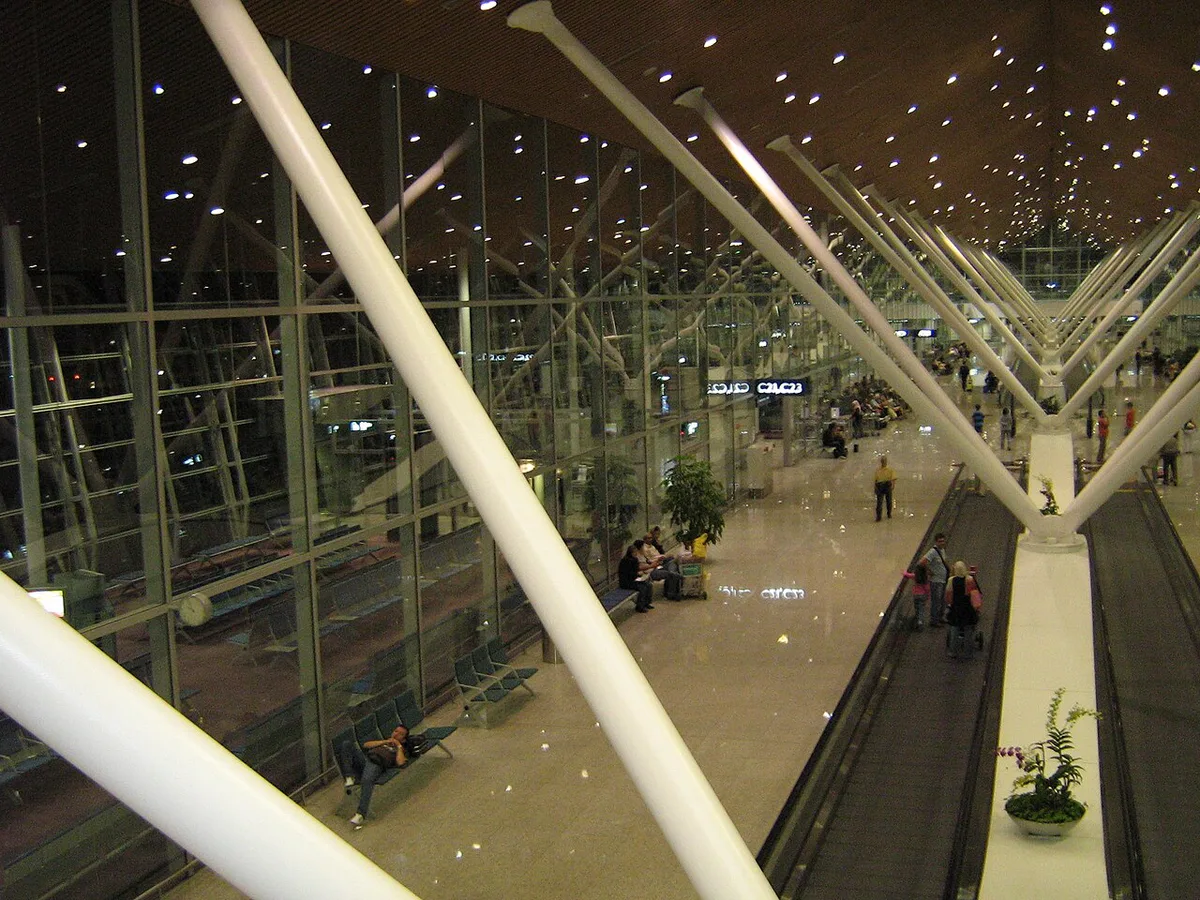
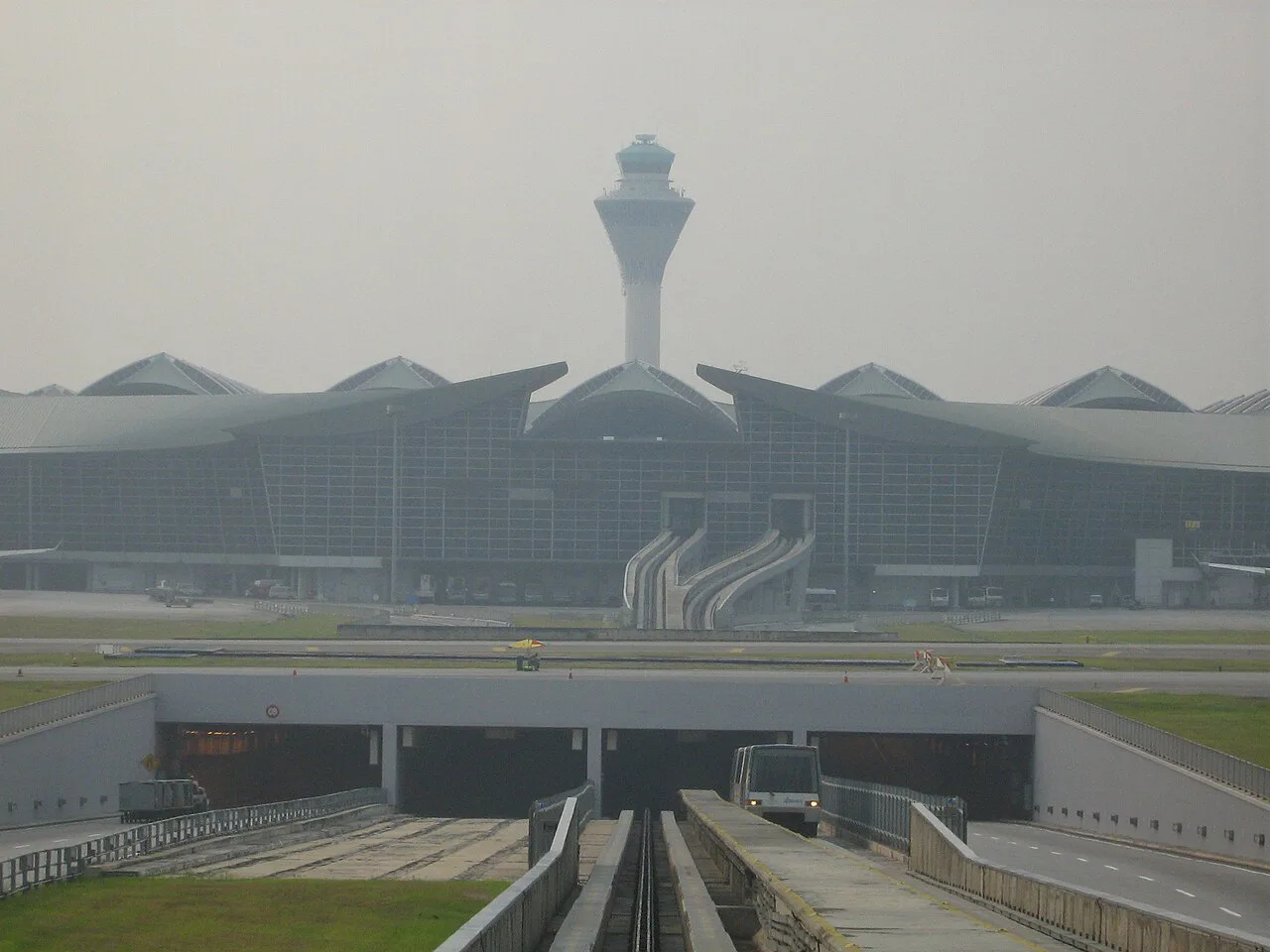
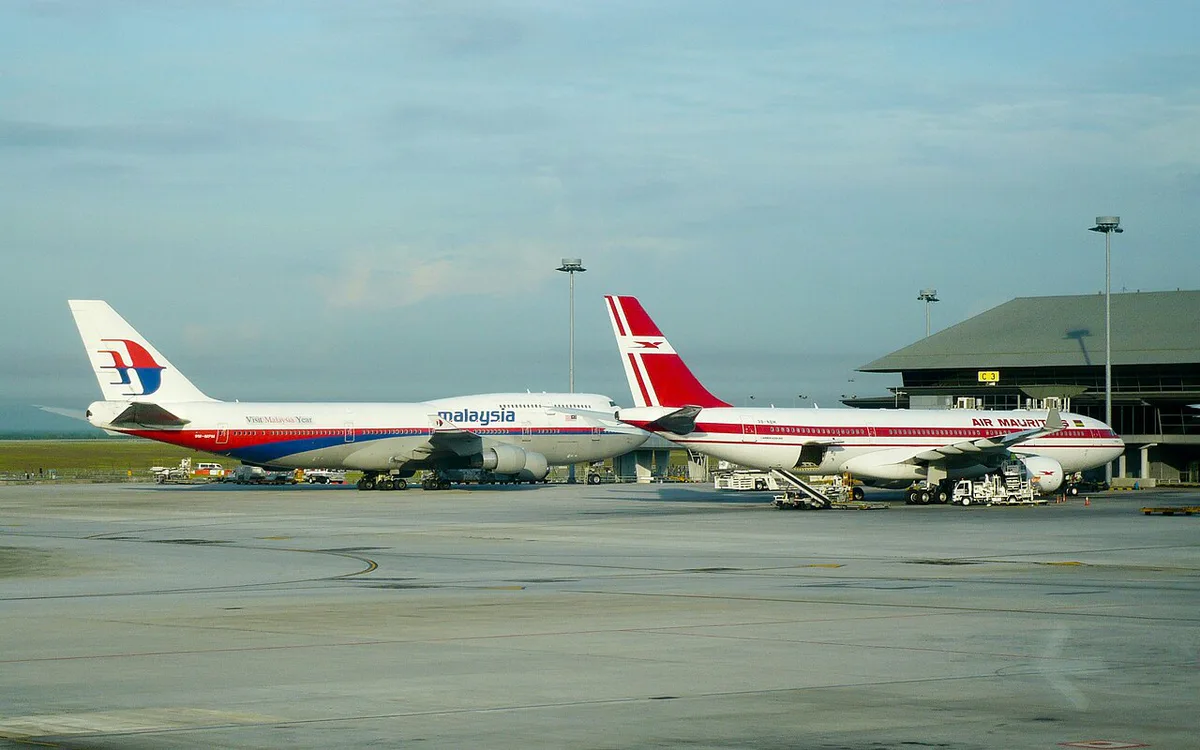
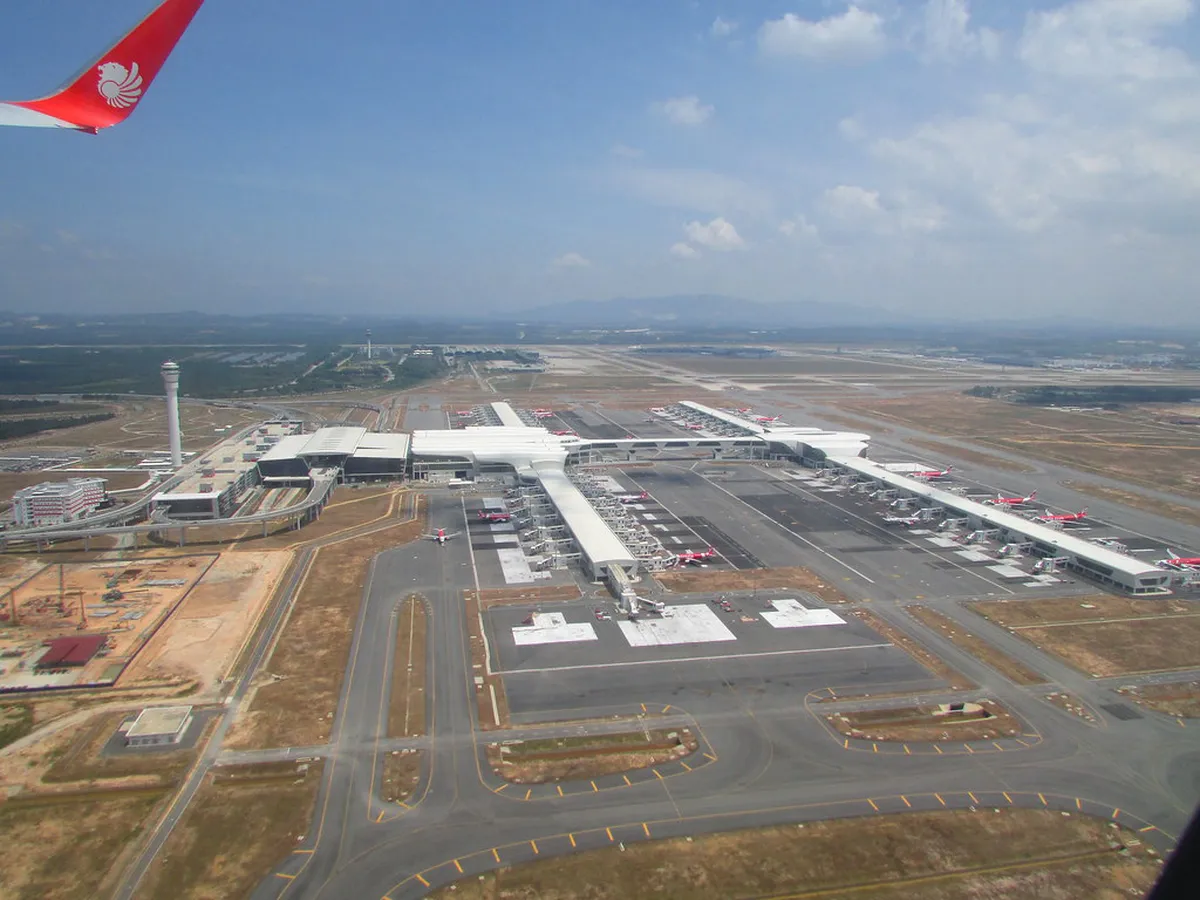
Featured image: Craig, Public domain, via Wikimedia Commons.
KLIA map at a glance: which terminal is yours?
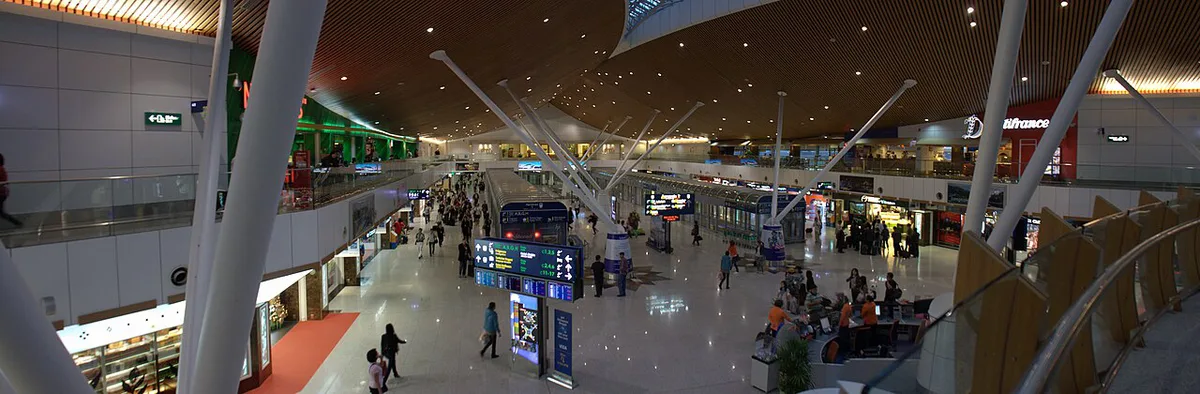
Kuala Lumpur International Airport has two separate terminal complexes. KLIA is the original one, made up of the Main Terminal Building and the Satellite Building. klia2 is a different terminal and is not linked to KLIA by the Aerotrain. Your airline decides which one you use, so never guess from the airline's brand. Look at the terminal printed on your booking or on the airline's own page. Terminal assignments can change, so re-check a day or so before you fly.
- Find your airline and flight number on the booking confirmation.
- Look for the terminal name: KLIA or klia2.
- Open the airline's flight-status page close to departure to see any change.
- Save the answer on your phone before you leave for the airport.
How the airport is laid out
At KLIA, check-in and most passenger services sit in the Main Terminal Building. The Satellite Building is a separate building for departure gates. The Aerotrain connects the two, so some passengers check in at the Main Terminal and ride the train to their gate. Wherever your flight leaves from, the Aerotrain stays inside the KLIA complex. klia2 stands alone as a terminal with its own check-in, gates and facilities. For levels, gate ranges and walking routes, use the airport's own plan on the official Malaysia Airports KLIA site. Read the legend first, because each level is labeled by function. A third-party map can be out of date. Link to the official file rather than saving a screenshot from a random page.
- Main Terminal Building: check-in, passenger services and the main hall.
- Satellite Building: departure gates, reached on the Aerotrain.
- klia2: a separate terminal with its own check-in, shops and gates.
- Rail and road links: shown on the official plan for each terminal.
Moving between KLIA and klia2
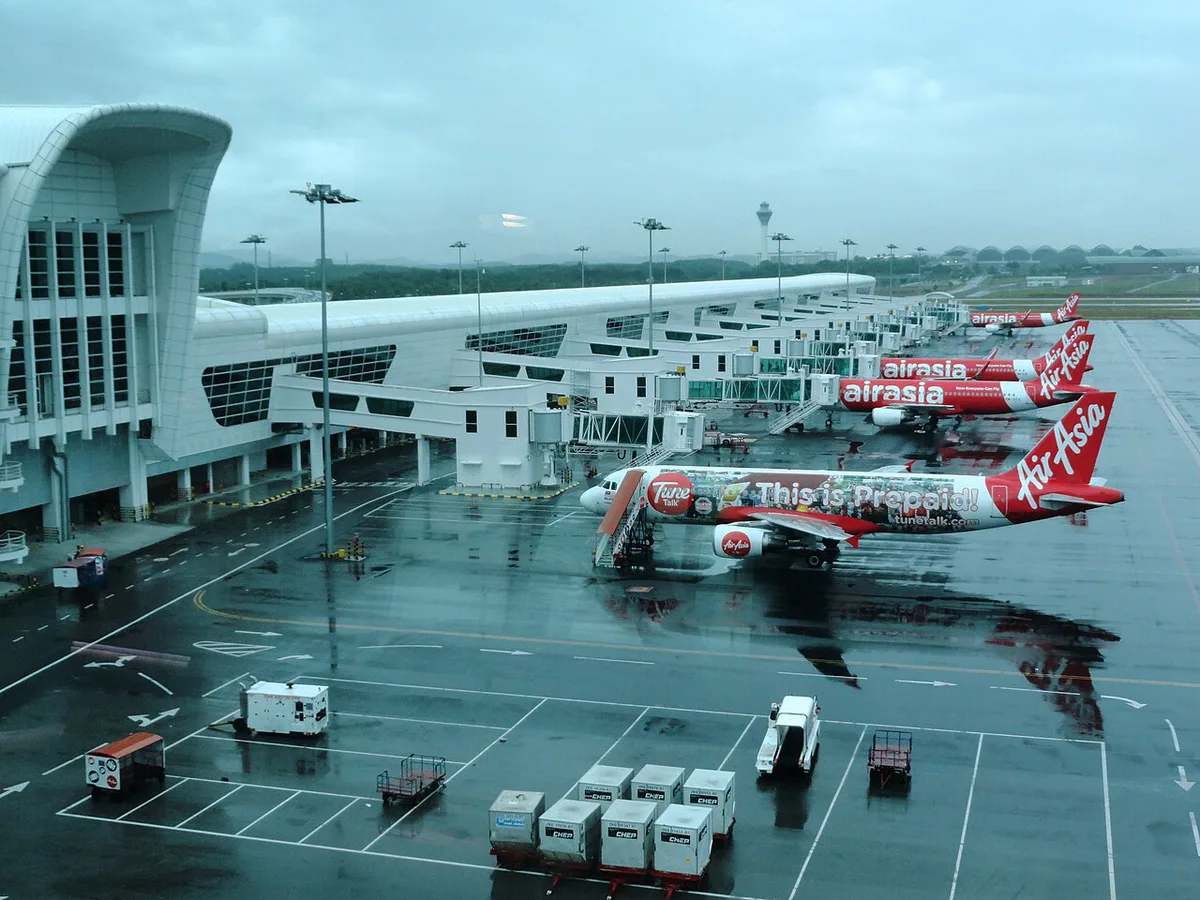
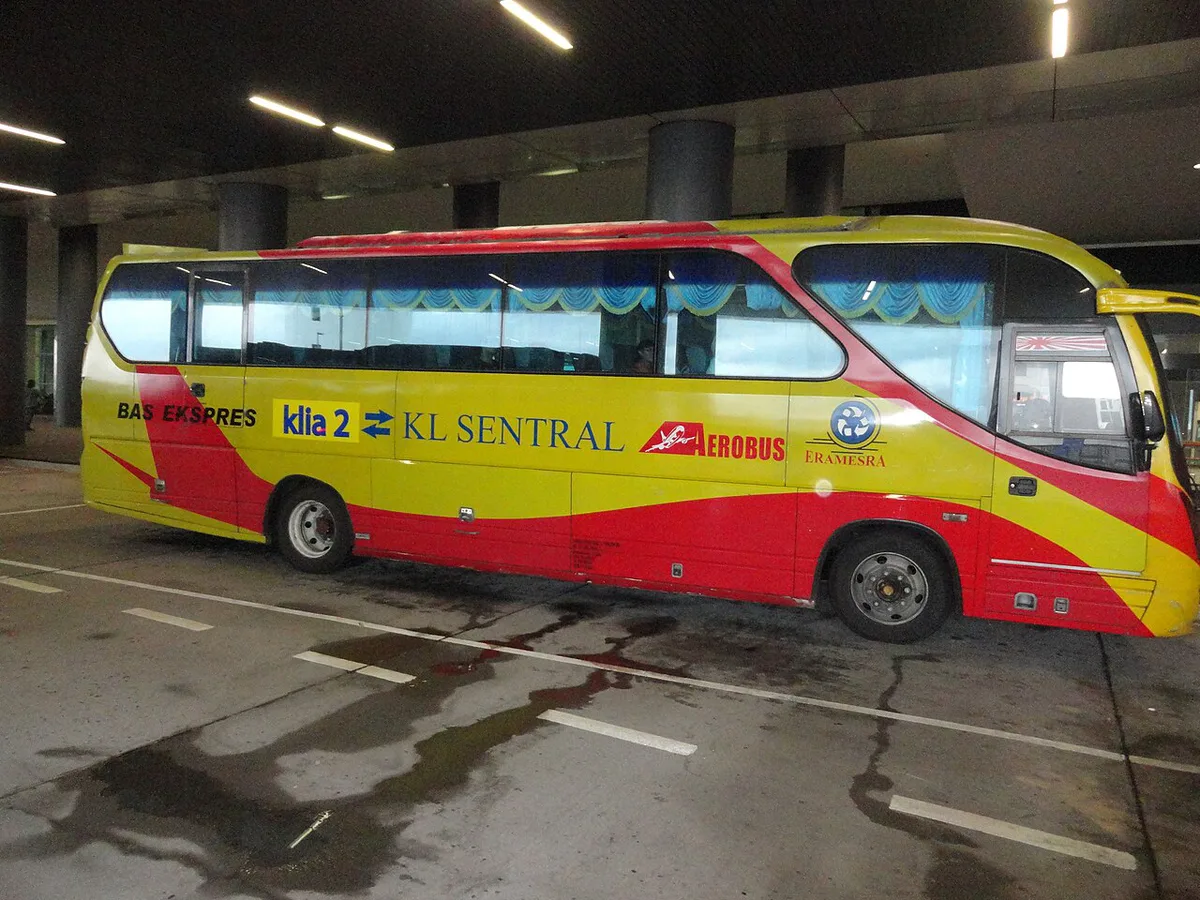
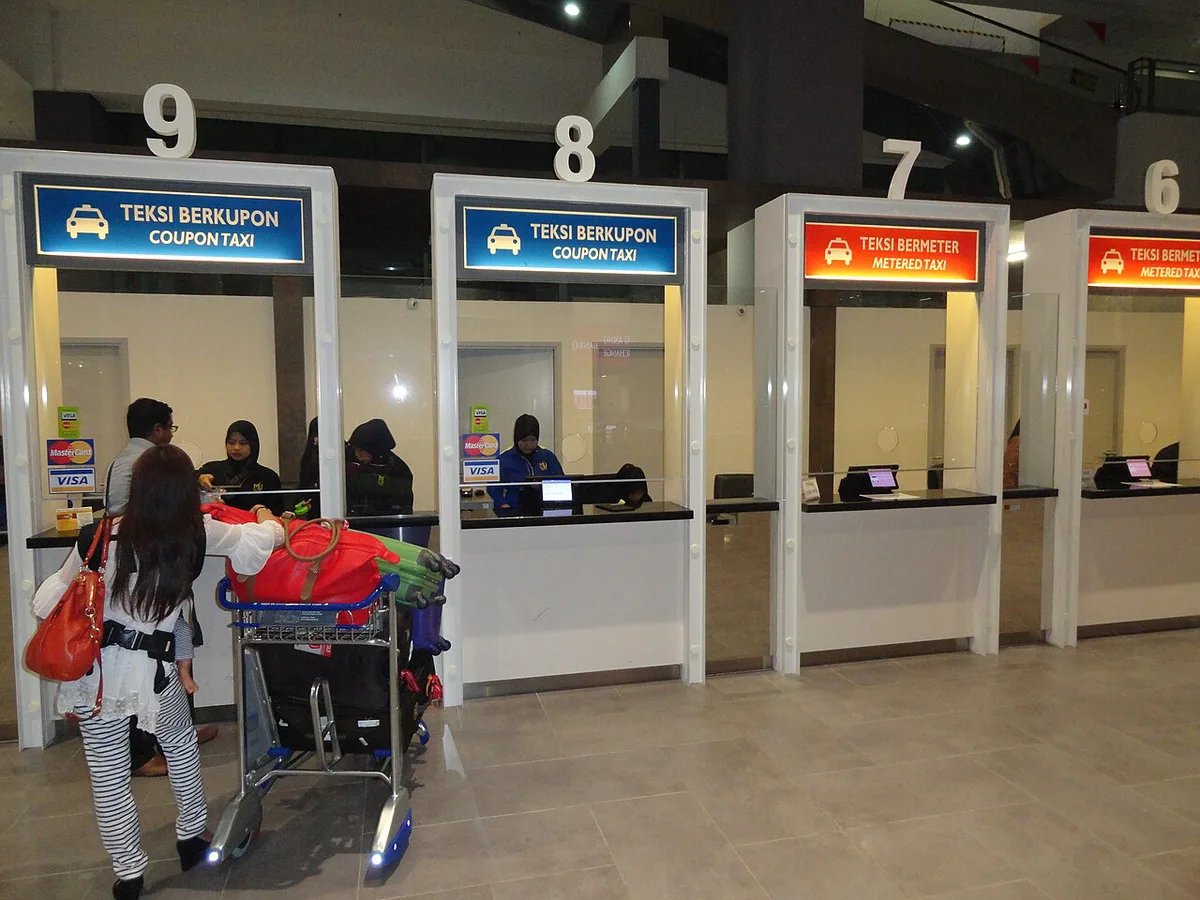
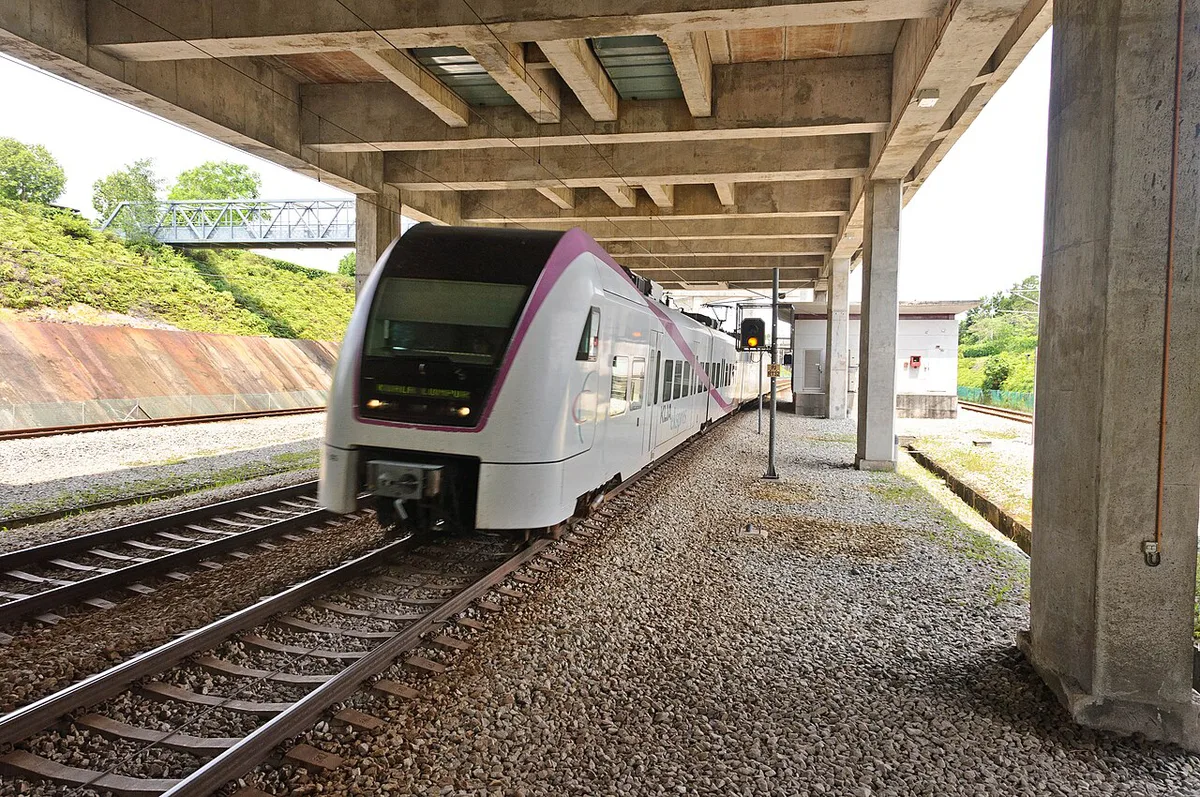
Moving between the two terminal complexes takes planning. Rail is the usual starting point, and the operator's page at KLIA Ekspres and KLIA Transit lists current stops, fares and timetables. Our page on the express rail link covers that service in more detail. Road options are a taxi or an e-hailing car, covered in our airport taxi guide. This page gives no time or fare for any of these, because the operators change them. Read the operator's page the week you travel.
| Option | What to know |
|---|---|
| Rail | Check the operator's page for stops, fares and hours. |
| Taxi or e-hailing | Useful with heavy bags, but fares and wait times vary. |
| Aerotrain | Only for moving between the Main Terminal and the Satellite Building. |
- Rail: check the operator's page for stops, fares and hours.
- Taxi or e-hailing: useful with heavy bags, but fares and wait times vary.
- Aerotrain: only for moving between the Main Terminal and the Satellite Building.
Arrival, departure and transfer paths
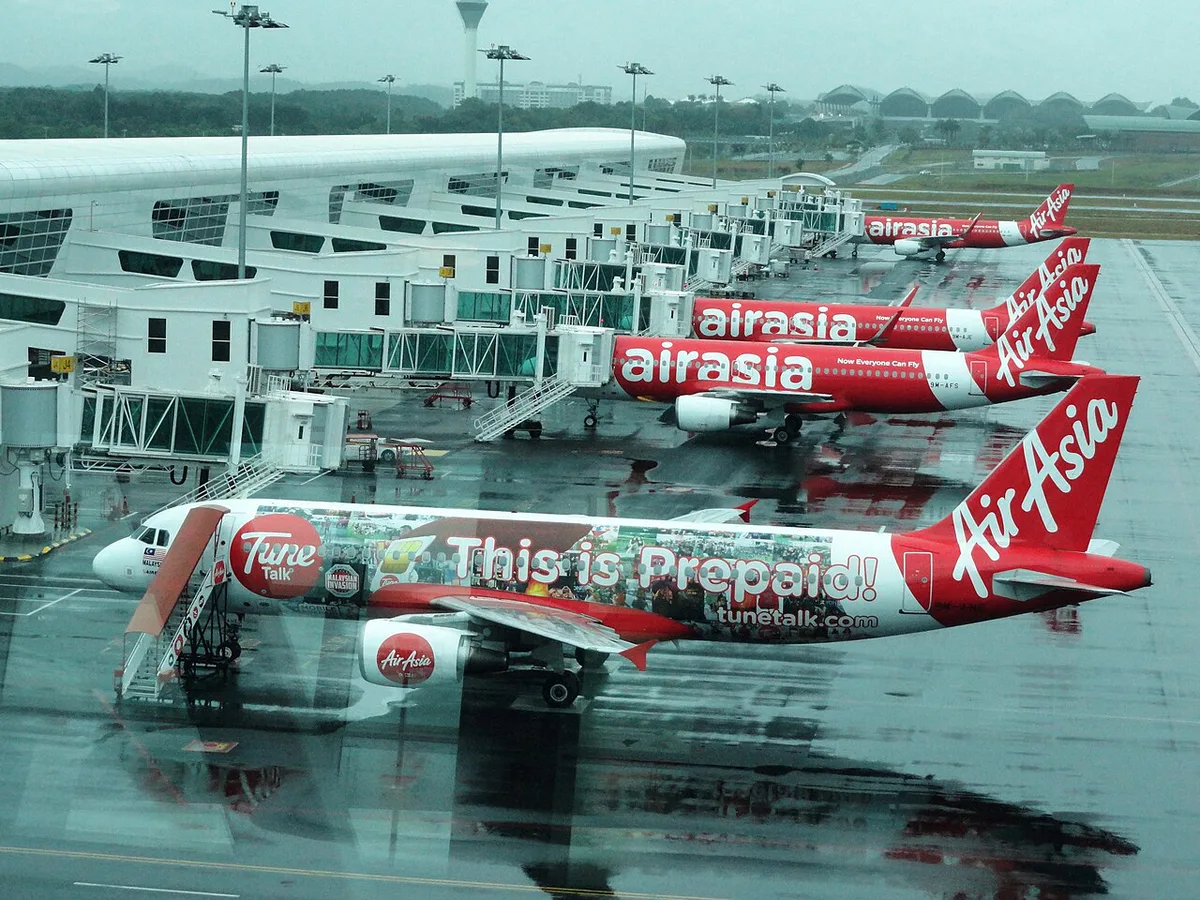
Each journey follows a different path through the same airport. Arriving passengers go through immigration and baggage claim, then follow signs to rail or road transport. Our guide to getting into the city covers the onward trip. Departing passengers should head to the terminal named on their booking, then check in, clear security and find the gate. Transfers are less simple. Staying in one terminal is easier than changing between KLIA and klia2. A cross-terminal connection can involve baggage, immigration and a new check-in, depending on your ticket. Ask your airline whether your bags are checked through. Separate tickets usually mean you collect bags and check in again yourself.
Tight connections and long waits
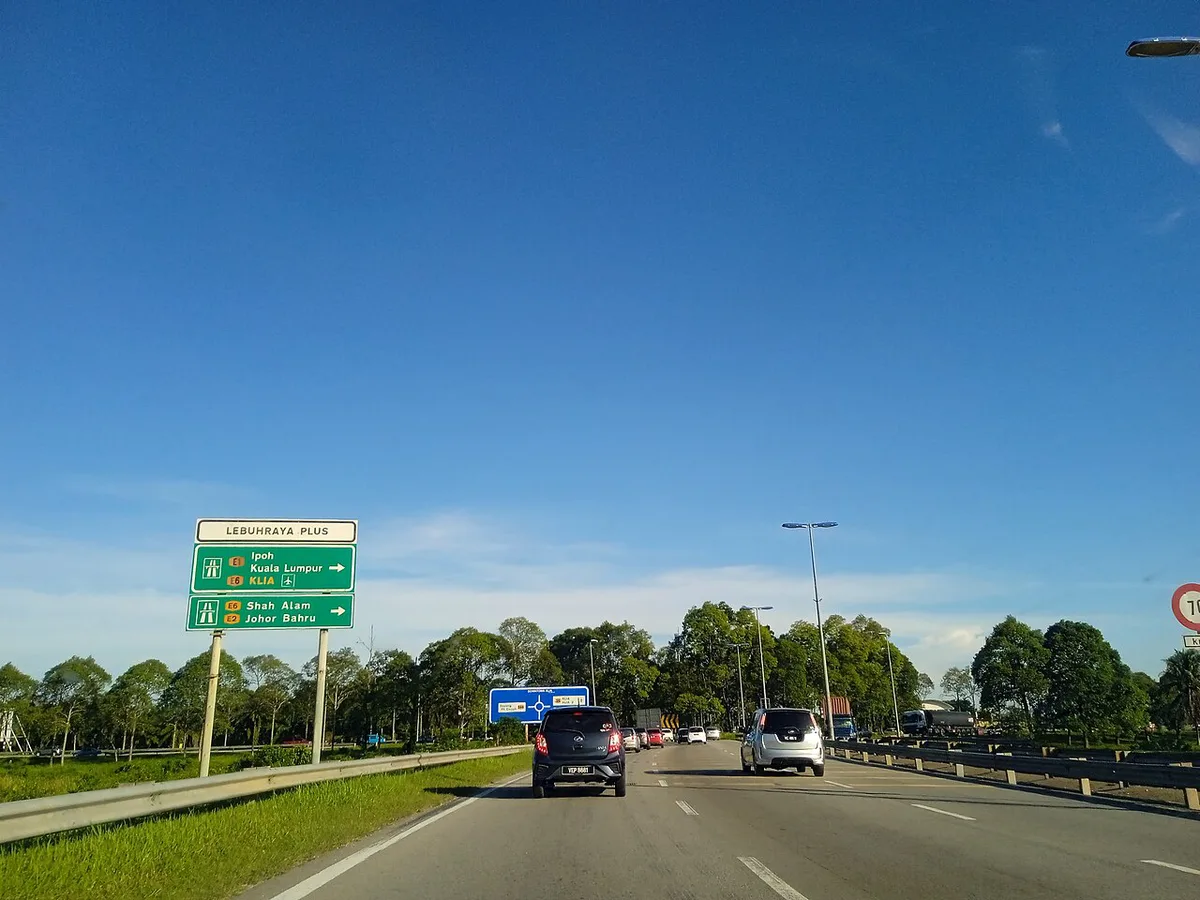
If your connection crosses terminals, add a buffer. Use the airline's own minimum connection guidance rather than a rule of thumb from a forum. Our layover planning guide explains how to use a long gap. For an overnight wait, see the options in our airport transit hotel guide. Official minimum connection times are not published on this page. Ask the airline that sold your ticket.
Facilities and services on the map
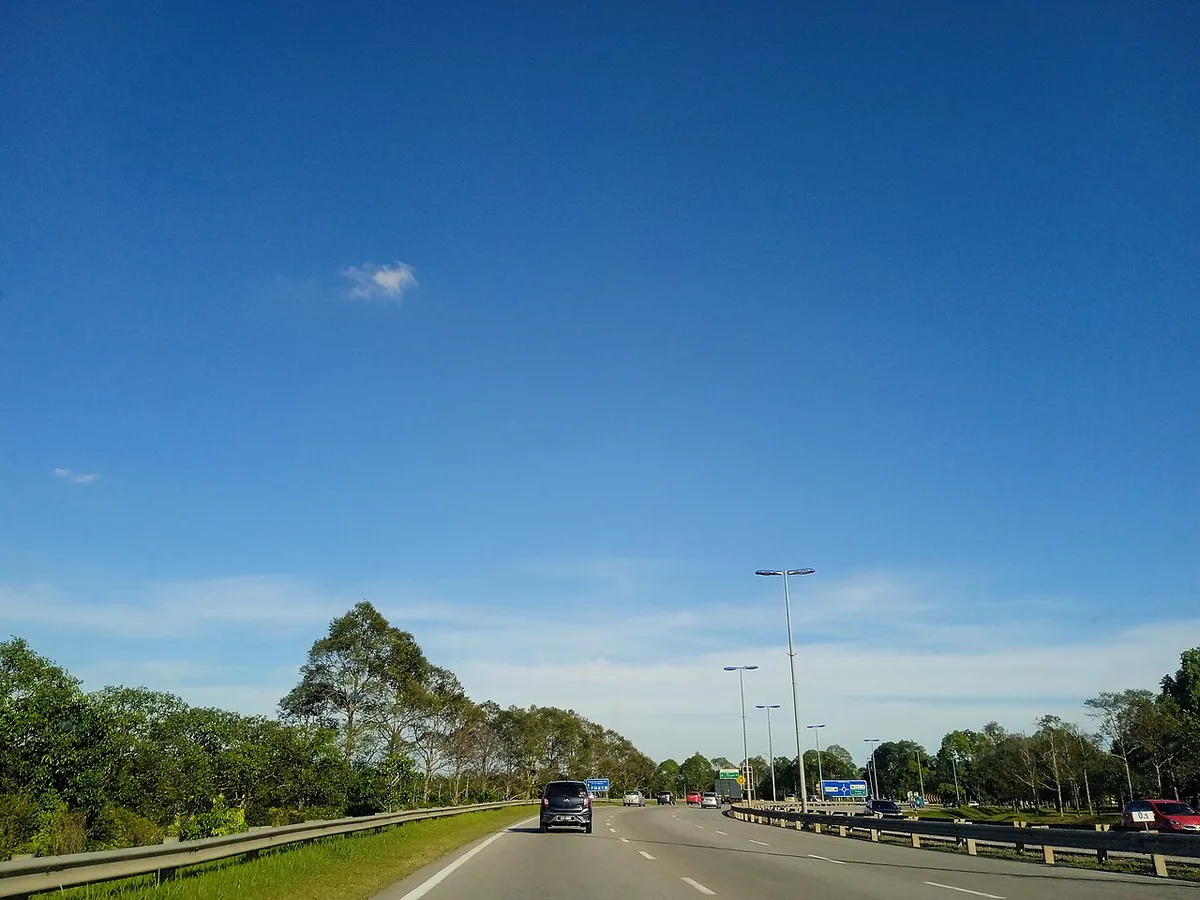
The airport plan shows where services are, not whether they are open. Opening hours change, so use each guide below for details. Start with the full airport guide if you want the overview. Download the official map before you travel, since signal varies. Our Wi-Fi and SIM card guide explains how to stay connected.
- Rest before a flight: airport lounges.
- Meals: where to eat at the airport.
- Shopping: duty-free shopping, including Eraman.
- Bags: luggage storage options.
Common mistakes to avoid
Most problems come from small assumptions. Travelers go to the wrong terminal because they confuse KLIA with klia2. Others rely on a screenshot of an old map. Some cut a cross-terminal connection too fine. Fix each one the same way: check the terminal on your booking, use the official plan and give yourself spare time.
- Confusing the names KLIA and klia2.
- Assuming the terminal from the airline brand.
- Treating the Aerotrain as a link to klia2.
- Using an outdated third-party map.
Frequently Asked Questions
How to know KLIA 1 or klia2?
Look at the terminal shown on your booking or on your airline's page. Re-check it shortly before departure, because assignments can change.
How can I get from Kuala Lumpur airport to the city center?
Rail and road both run into the city. Our guide to airport to city center transfers compares them.
Notes for your next connection
Optional updates when our airport guides change.
You might also like
Continue reading
More guides you'll find useful