Changi Airport WiFi: Free Access, Login Steps & SIM Options
How to use free #WiFi@Changi, where it works, and when a SIM, eSIM or pocket WiFi is worth getting. Updated for 2026.
On this page
Last updated November 2026. Changi airport wifi is free, and the network is called #WiFi@Changi. You need no registration, payment or personal details, and you connect in 3 steps. Below you will find the login steps, the coverage, and a plain way to decide whether you still need a SIM or eSIM.
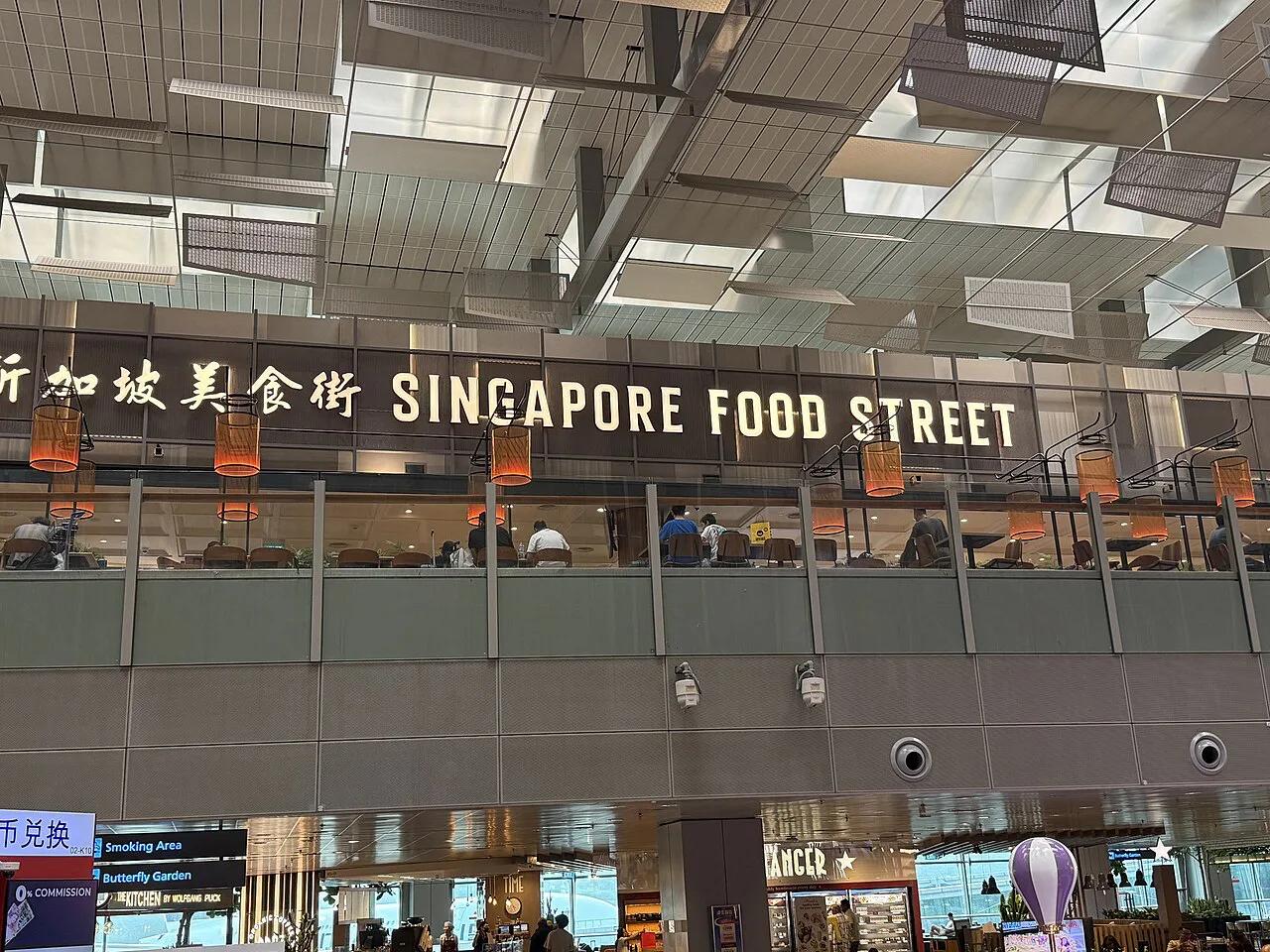
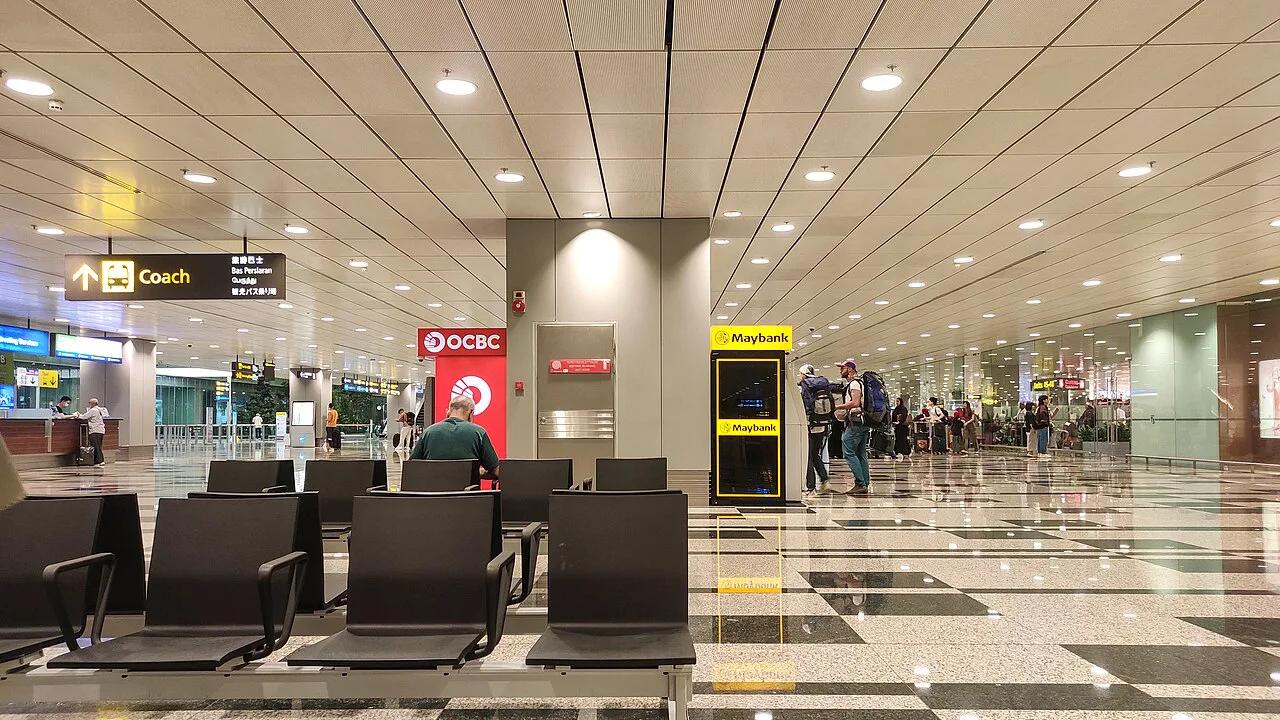
Featured image: LN9267, CC BY-SA 4.0, via Wikimedia Commons.
Is there free WiFi at Changi Airport?
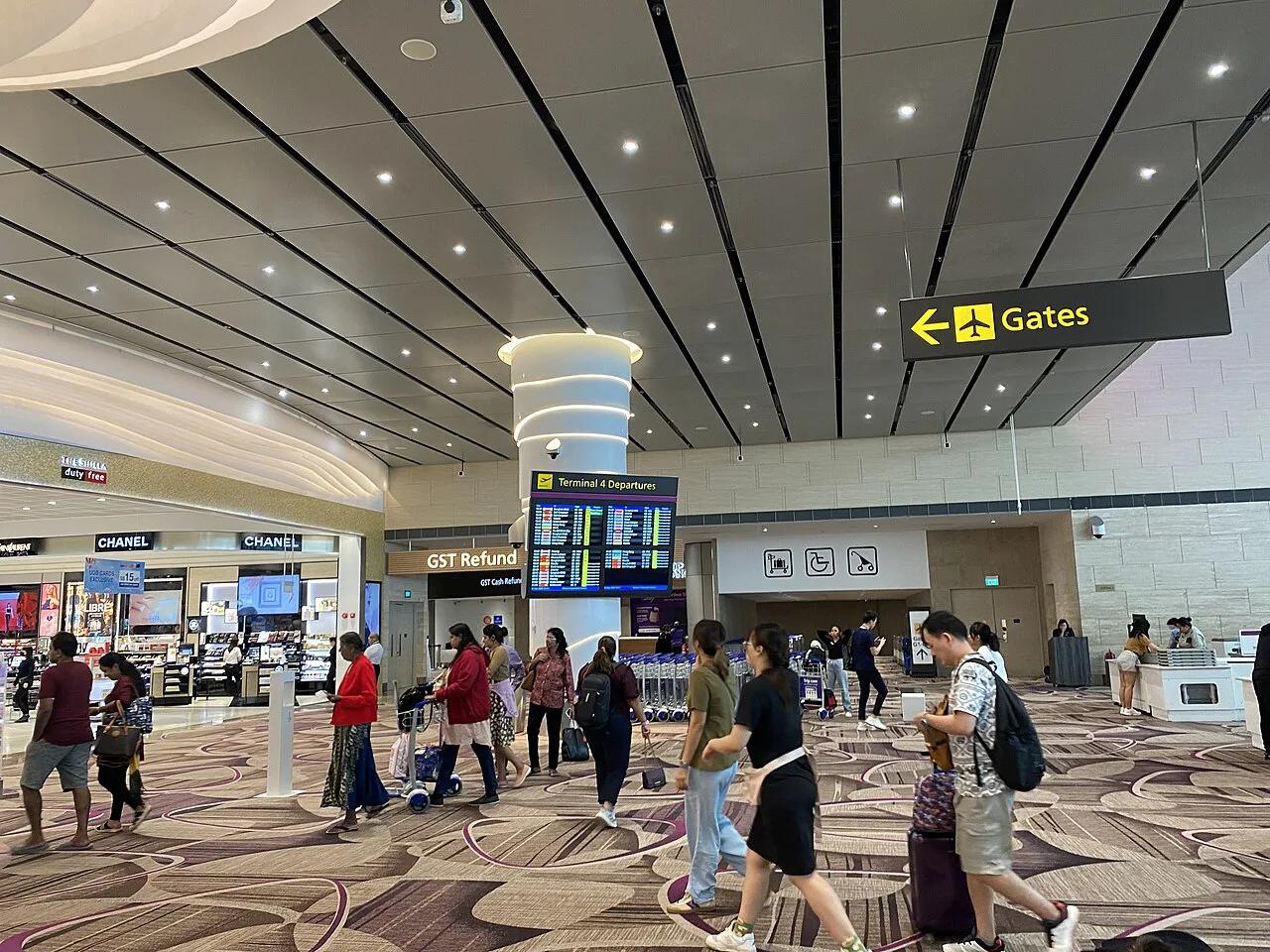
Yes. Changi offers a free network named #WiFi@Changi in the public areas and transit areas of all terminals, as described on the official Changi WiFi page. You do not create an account. You do not enter an email address or phone number either. For a layover, that is often all the connectivity you need for messaging, maps and boarding passes. Our Singapore Airport (Changi) Guide: Terminals, Transport & Tips covers the rest of the terminal facilities.
How to connect to #WiFi@Changi
Connecting takes 3 steps. Each one is quick, and none needs a password.
- Select the #WiFi@Changi network in your phone or laptop WiFi settings.
- Open a browser and enter any valid website address. Safari, Chrome, Firefox and Edge all work.
- Tap CONNECT NOW on the login page that appears.
Fixing a login page that will not load
Most failed connections come from the login page never opening. Your phone may be using a cached page or a secure site that blocks the redirect. Try typing a plain http address in the browser. Switching to another of the four listed browsers also helps. If the page still fails, toggle WiFi off and on, then reconnect to #WiFi@Changi.
- Do not rely on an app to trigger the portal. Use a browser.
- Do not assume the airport network will follow you outside the terminal. Once you leave, you need mobile data.
- Do not leave battery for last. Charge before you land, and check the terminal map for where to plan a stop.
Where Changi airport wifi works
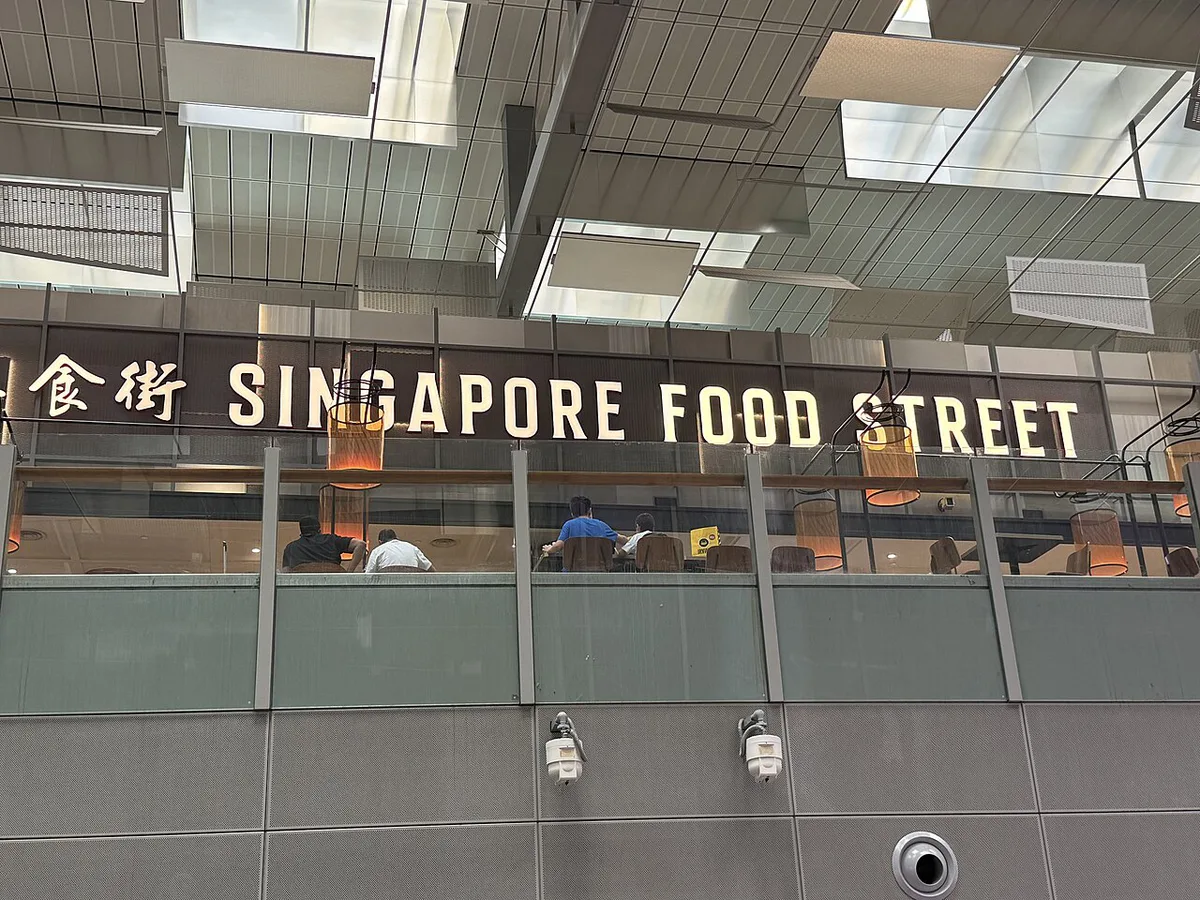
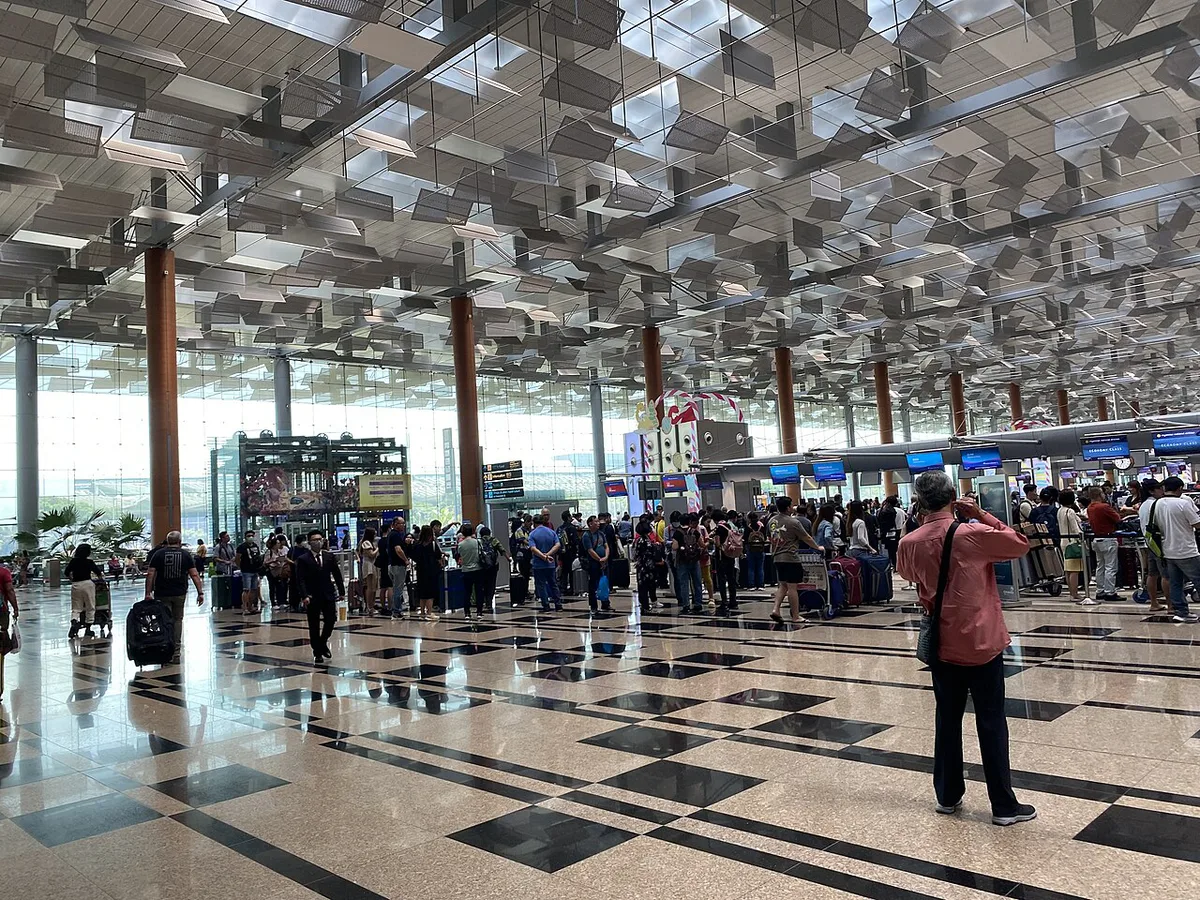
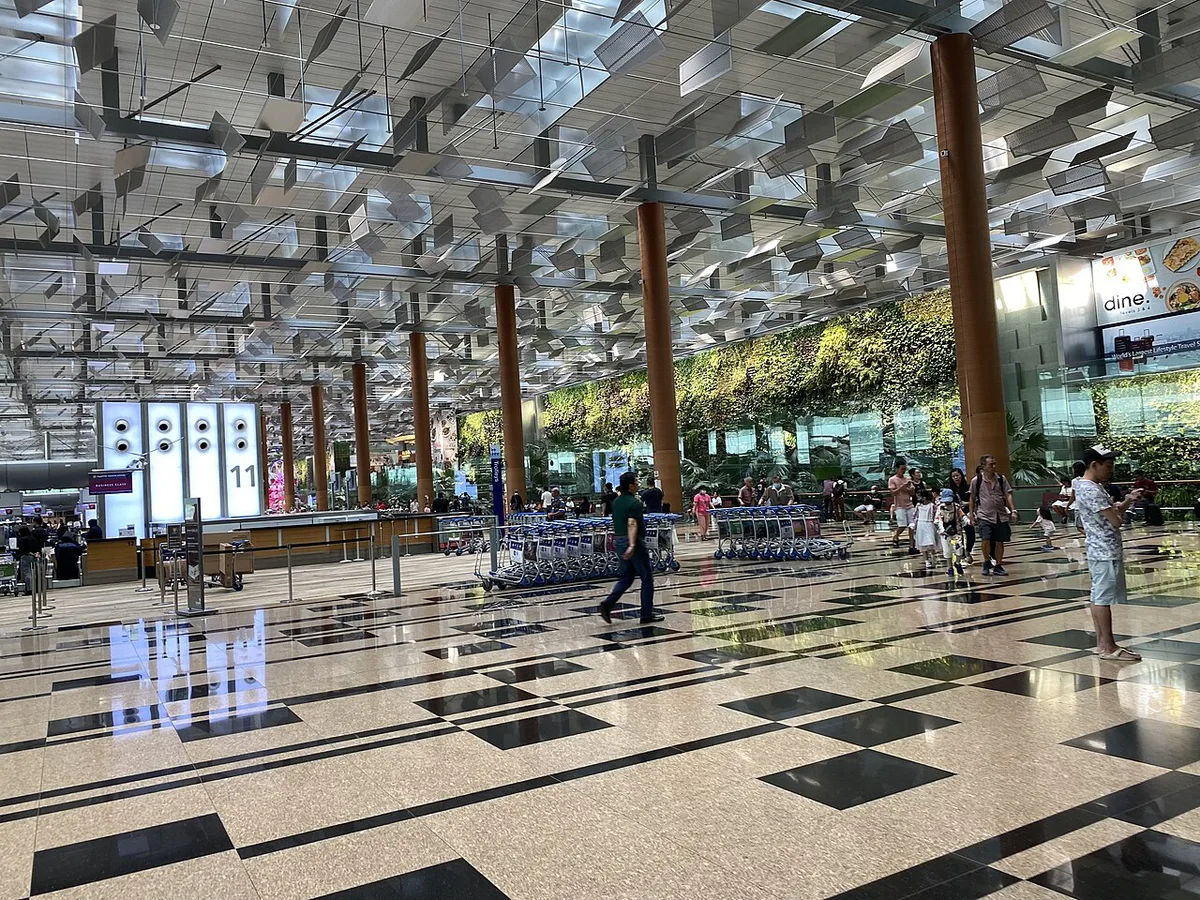
Coverage includes departure halls, arrival halls, gate areas, lounges and shopping areas. That means you can get online before check-in, at the gate, and in the transit zone between flights. Speed and signal can differ from one spot to another, so a quiet gate seat may work better than a packed food court. Use the Changi terminal map to pick a spot near your gate. If you plan to work for a few hours, a seat near a power point matters as much as the signal.
Free WiFi vs SIM, eSIM or pocket WiFi
Free airport WiFi covers the airport only. A SIM, eSIM or pocket WiFi covers you once you leave. The table compares relative cost and effort. It gives no prices, because plans change often.
| Option | Cost level | Setup effort | Works before you leave the airport | Best for |
|---|---|---|---|---|
| Free #WiFi@Changi | Free | Low: 3 steps | Yes, in public and transit areas | Layovers, messaging, maps, boarding passes |
| Local tourist SIM | Low to medium | Medium: swap the card | Yes, once activated | Short stays with one phone |
| eSIM | Low to medium | Low to medium: scan and install | Often before you land, if installed first | Compatible, unlocked phones |
| Pocket WiFi | Medium | Medium: carry and charge a device | Yes | Families and groups sharing one connection |
| Home-carrier roaming | Varies | Low | Yes, if enabled | Very short stays; check current price |
- Stay on airport WiFi if you are transiting and only need messaging, maps and boarding passes.
- Get a SIM or eSIM if you need data for rides, maps and bookings straight after immigration.
- Consider a pocket WiFi if a group or family shares one connection.
- Use mobile data, not open WiFi, for banking and other sensitive logins. A VPN adds a layer of protection on any public network.
Getting a SIM or eSIM for Singapore
Start with your phone. Check that it is unlocked and, for an eSIM, that it supports one. A locked or eSIM-incompatible phone is the most common reason a purchase fails. Singapore's main mobile operators are Singtel, M1 and StarHub, so expect tourist plans from those names. The airport's own site and the Changi App list the connectivity services on offer, so check them for current sales points and plans. Buying before you fly is the easiest route, since an eSIM can be installed on the plane. Being online before you leave the terminal helps with the next step. Our guide to the airport to city center options compares the main routes. If you take the airport MRT train, you can check maps offline. A taxi from the airport or a ride-hail pickup needs live data to book.
Free WiFi needs only 3 steps, so use it first and buy a SIM only if rides and bookings need data.
Staying connected on a layover
On a long layover, free WiFi is usually enough. Plan around power and a place to settle. Our Singapore layover guide shows how to build the day. Lounges are listed as a WiFi coverage area, and the airport lounge guide explains your options. If you need rest, read about sleeping in the airport. A transit hotel gives you a quiet room and a place to charge. For entertainment while connected, see things to do in the airport. You can also plan a visit to Jewel Changi Airport Guide: Worth a Layover Visit? and check the Jewel Changi Airport site before you go.
Frequently Asked Questions
How can I get Wi-Fi for free at Changi?
Select #WiFi@Changi, open a browser and tap CONNECT NOW. It needs no registration or payment, and it works in public and transit areas of all terminals.
What to do with 5 hours in Singapore airport?
Start with free airport activities, then decide whether to visit Jewel. Keep your phone on #WiFi@Changi so you can track your flight.
Notes for your next connection
Optional updates when our airport guides change.
You might also like

Continue reading
More guides you'll find useful