Doha Airport WiFi: Free Access, SIM & eSIM Options
Free Doha airport WiFi, how to connect, and when a SIM or eSIM is worth buying. A layover-length decision guide.
On this page
Last updated November 2026. Doha airport WiFi is free at Hamad International Airport (DOH), and most short connections need nothing else. Below: the network name, the four-hour session rule, and the point where a SIM or eSIM starts to earn its cost. It sits inside our wider 7 Doha Airport Decisions: Transit, Rest, Food and Transfers.
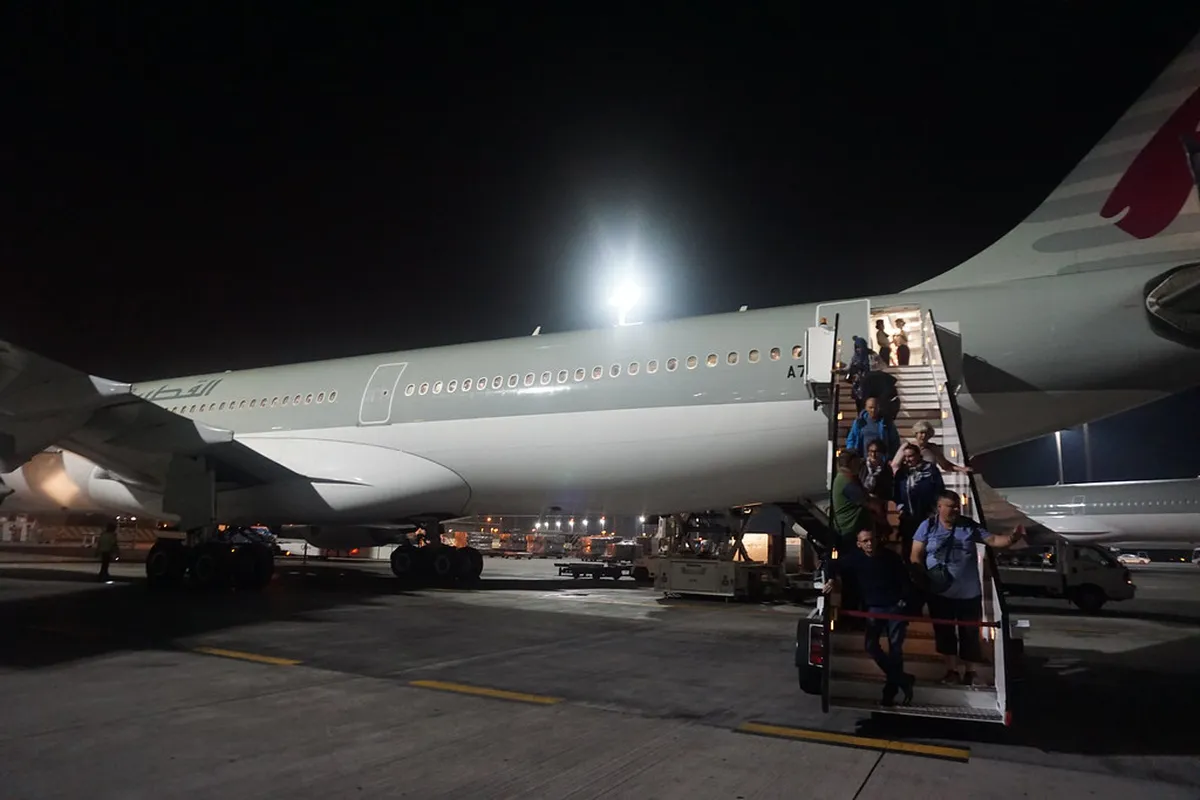
Featured image: Alex Sergeev (www.asergeev.com), CC BY-SA 3.0, via Wikimedia Commons.
Is Doha Airport WiFi Free?
Yes. Hamad International Airport offers free WiFi across the passenger terminal, and you buy nothing to use it. The network is called #HIAQatar. Visit Qatar's airport connectivity guidance describes sessions of up to four hours, with reconnection allowed afterward. Passengers do not need a Qatari SIM to join. For a two-hour connection, a paid data pack adds little. Free WiFi is also not mobile data. It works only inside the terminal, so plans that include leaving the airport need a second connection.
How to Connect to Doha Airport WiFi
Connecting takes about a minute. Reports describe an open network with no traditional password. Follow whatever sign-in screen your device shows, since portal steps can change.
- Open the WiFi settings on your phone, tablet or laptop.
- Pick #HIAQatar from the list of networks.
- Open a browser and load any normal website to trigger the sign-in page.
- Accept the terms or follow the on-screen prompt.
- Return to your app or browser once the connection opens.
- When the four-hour session ends, repeat the same steps.
Where It Works and How Fast It Is
Coverage extends across the passenger terminal. That includes departure areas, boarding gates, the transit area and arrivals. Some lounges also list WiFi among their amenities, so see our Doha Airport Lounges: Who Gets In and Which to Pick page for workspace options. Hamad International Airport promotes the service as high-speed but publishes no guaranteed speed. Speed depends on crowding and signal strength. Email, messaging and boarding passes work fine for most travelers. Zoom's own guidance for 1080p group video is roughly 3.8 Mbps down and 3.0 Mbps up. Run a speed test before an important call. Keep an offline copy of your boarding pass and hotel address. If you need a seat near a socket, the terminal map helps you plan the walk.
When Free WiFi Isn't Enough
Four situations push you toward mobile data. First, you are leaving the terminal. Maps, ride apps and hotel messages all need a signal on the road. Our guides to getting from the airport to the city and the airport train cover the routes. Second, you need a Qatari number for SMS codes, local calls or delivery apps. Most travel eSIMs are data-only and give you no local number. Third, you have confidential work or video calls where a dropped connection costs you. Fourth, you plan to book a tour on the day. Tour confirmations arrive by email or app, so a long layover with a transit tour is easier with data.
Doha Airport WiFi vs eSIM vs Local SIM vs Roaming
Ooredoo's Visitor SIM prices below were checked in November 2026. Travel eSIM prices change often, so exact figures are left out. Compare current offers before you buy.

| Option | Cost | Setup | Local number? | Best for | Skip if |
|---|---|---|---|---|---|
| Airport WiFi | Free | Join #HIAQatar, sign in | No | Layovers inside the terminal | You leave the airport |
| Travel eSIM | Low, varies by provider | Install before you fly | Usually no | Short trips into Doha | You need local calls or SMS |
| Ooredoo Visitor SIM Go | QAR 75 for 6 GB, 7 days | Buy and register with passport | Yes, 25 local minutes | Stays of about a week | You only need a boarding pass |
| Ooredoo Visitor SIM Plus | QAR 100 for 10 GB, 14 days | Buy and register with passport | Yes, 100 local minutes | Two-week visits | Your trip is shorter |
| Home roaming | Set by your home carrier | None | Your own number | Plans that include Qatar | Daily fees are high |
Can I Buy a SIM Card at Doha Airport?
Yes. Ooredoo and Vodafone Qatar are the two main mobile operators, and both sell SIMs at airport outlets. Ooredoo's Visitor SIM range lists three tiers. Visitor SIM Go costs QAR 75 for 6 GB, 25 local minutes and 7 days. Visitor SIM Plus costs QAR 100 for 10 GB, 100 local minutes, 25 eligible international minutes and 14 days. Visitor SIM Pro costs QAR 150 for 25 GB, 400 local minutes, 75 international minutes and 30 days. Ooredoo sells physical SIMs and eSIMs. One airport sales point is reported in the Arrivals Hall near Exits 2, 3 and 4. Bring your passport, because Qatari SIM registration may need ID. Vodafone Qatar also sells prepaid SIMs and eligible eSIMs, and some activation routes verify a passport. Counter queue times are not published. Check the operator's current airport details before you rely on a counter.
Airport WiFi sessions run up to four hours before you reconnect, while Visitor SIM Go costs QAR 75 for 6 GB and lasts 7 days.
Which Option Fits Your Layover?
Match the plan to your time and your route.
- Under 4 hours, staying airside: free WiFi only. See our Doha layover guide for how to spend the time.
- 4 to 12 hours, staying airside: free WiFi, reconnecting after each session ends.
- Leaving the airport for a few hours: a small data eSIM, installed at home before you fly.
- Business travelers: a private data connection as backup for calls, with WiFi as the second option.
- Stays of a week or more: a local SIM such as Ooredoo Visitor SIM Go at QAR 75, if you need a number.
- Rest stop between flights: see Doha Airport Shower: Where, When & Who Can Use It and charge your phone first.
Is Doha Airport WiFi Safe?
Treat it like any public network. Join only #HIAQatar, and avoid look-alike hotspots with similar names. Stick to HTTPS sites and keep your device updated. The US Federal Trade Commission also advises multifactor authentication on important accounts. A VPN adds a layer but does not remove every risk. Skip online banking on shared WiFi when your own mobile data is an option. Never ignore a browser security warning.
Doha Airport WiFi Not Working: Fixes
Start with the symptom.
- Network not appearing: toggle WiFi off and on, then move to another seating area.
- Connected but no internet: open a browser and load a plain website to trigger the sign-in page.
- Session expired after four hours: disconnect, reconnect to #HIAQatar and sign in again.
- Slow connection: pause large downloads and background updates.
- VPN conflicts: switch the VPN off, finish the sign-in, then turn it back on.
- Nothing works: ask at an airport information desk, then switch to an eSIM or local SIM.
Check eSIM Compatibility Before You Fly
An eSIM can save time after landing, but check your phone before paying. Your device must support eSIM and be unlocked for another carrier. A travel eSIM usually provides data only, so it may not supply a Qatari number for SMS codes or local calls.
Install the eSIM before departure while you have reliable home WiFi. Keep its activation instructions and QR code available offline. If you wait until Doha, join #HIAQatar first and complete the setup there. The airport WiFi session lasts up to 4 hours, so it is enough for installation and testing.
Choose a local SIM instead when a Qatari number matters. Ooredoo Visitor SIM Go includes 6 GB and 25 local minutes for QAR 75 over 7 days. Bring your passport for registration. Test data, maps and your hotel contact before leaving the terminal.
Frequently Asked Questions
Does WhatsApp work in Doha airport?
WhatsApp messaging can use the airport connection. Qatar restricts some voice and video calling services, so calls may not connect. Test a call before you depend on it, or have a data eSIM as backup.
What to do in Doha airport for 3 hours?
Use free WiFi to check your gate and download offline maps. Then browse our guide to 8 Things to Do in Doha Airport: Free, Paid & By Layover and pick one or two.
Notes for your next connection
Optional updates when our airport guides change.
You might also like



Continue reading
More guides you'll find useful