Chennai Airport WiFi: Free Access, SIM & eSIM Guide
How to get free Wi-Fi at Chennai airport with or without an Indian SIM, plus SIM and eSIM options and fixes when the OTP fails.
On this page
Last updated November 2026. Free chennai airport wifi is offered at the Domestic and International terminals, and your login route depends on your SIM. Indian-number holders get an OTP by text, while international passengers were given a kiosk route in June 2025. Use this guide to pick the fastest path before you land.
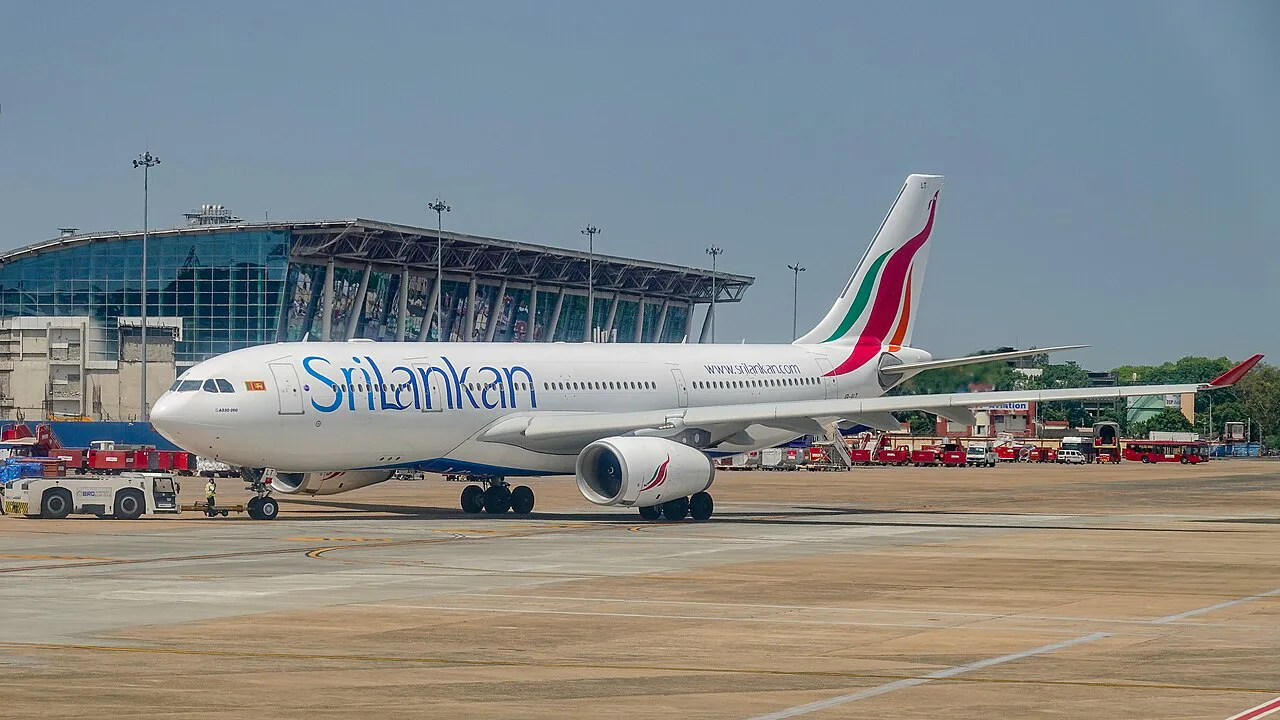
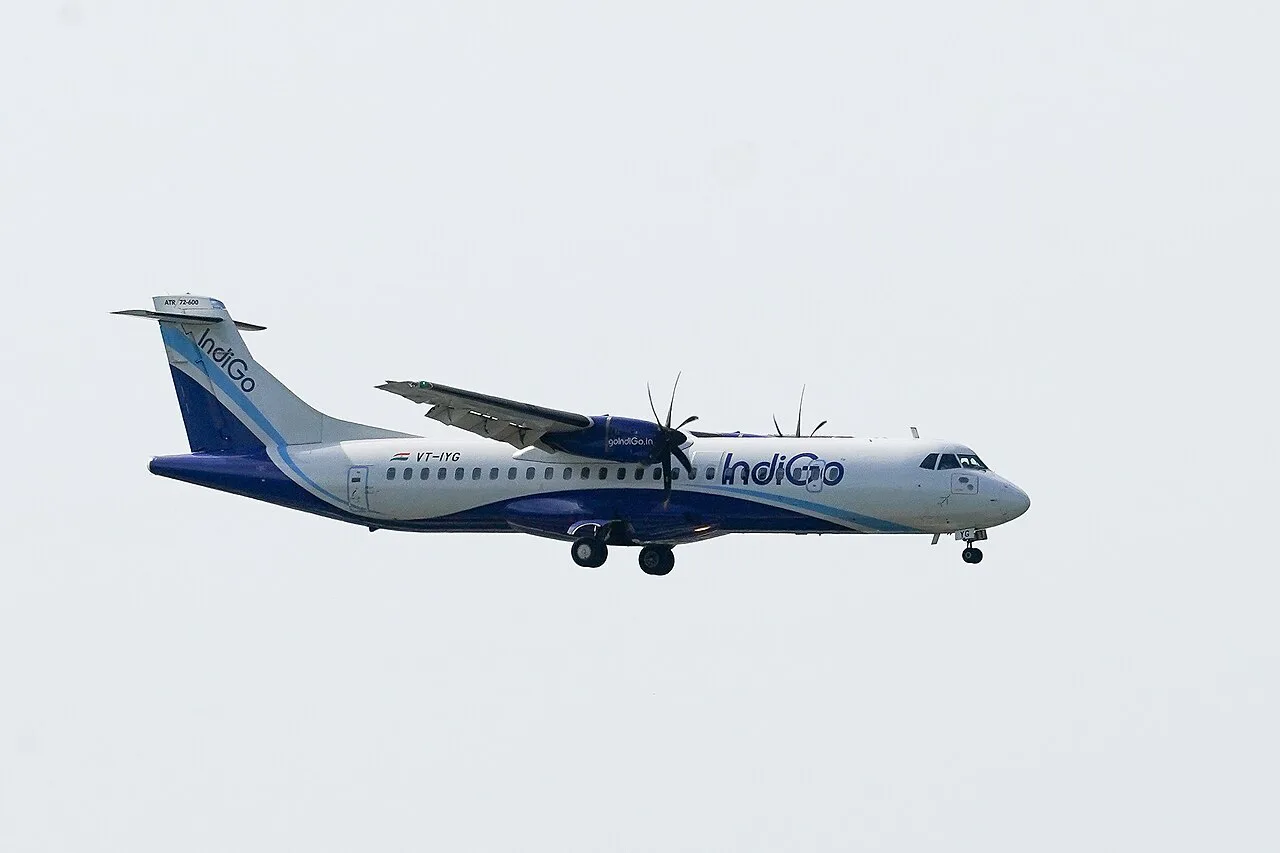
Featured image: rviswana, CC BY-SA 2.0, via Flickr.
Quick answer: is there free Wi-Fi at Chennai airport?

Yes. Airports Authority of India lists free Wi-Fi for 45 minutes at both the Domestic and International terminals. Login uses a mobile number, and AAI states that a valid Indian number is required. International passengers without one have a separate kiosk route that scans a passport and boarding pass. Prices and rules below were checked in November 2026. Details on the paid extension are not published in the sources we reviewed, so read the on-screen terms. For the wider airport picture, start with our 5 Things to Know About Chennai Airport (MAA): Terminals to Layovers.
How to connect with an Indian SIM

Chennai airport's official X account posted the steps on 8 August 2025. You need an active Indian SIM that can receive a text message. Switch off any VPN first, because captive login pages often fail behind one.
- Open your Wi-Fi settings and select Chennai-Airport-Free Wi-Fi.
- Wait for the login page to open. If nothing appears, open any plain http site in your browser.
- Enter your Indian mobile number.
- Type the OTP sent by text message.
- Start browsing once the page confirms access.
How to connect without an Indian number
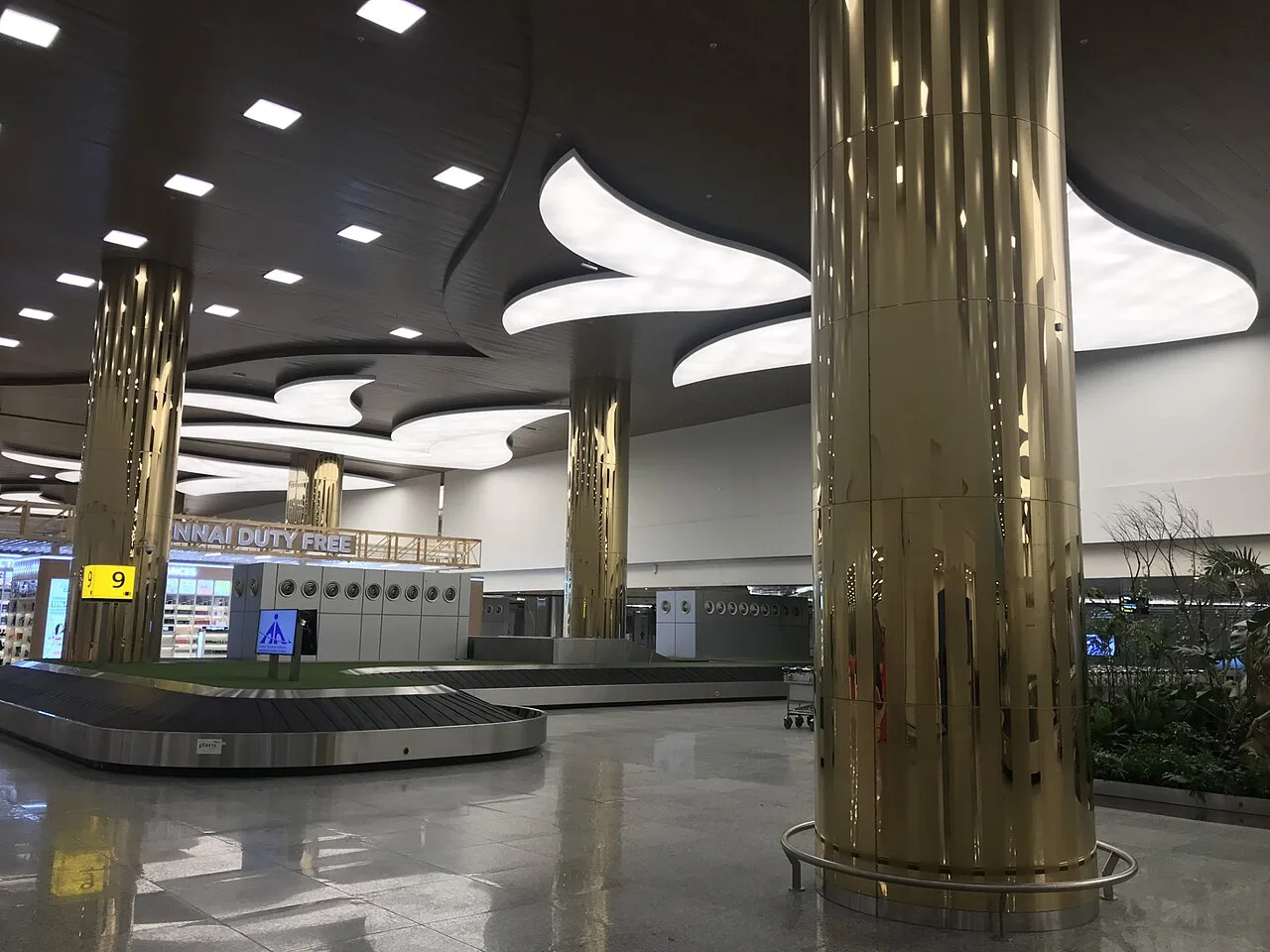
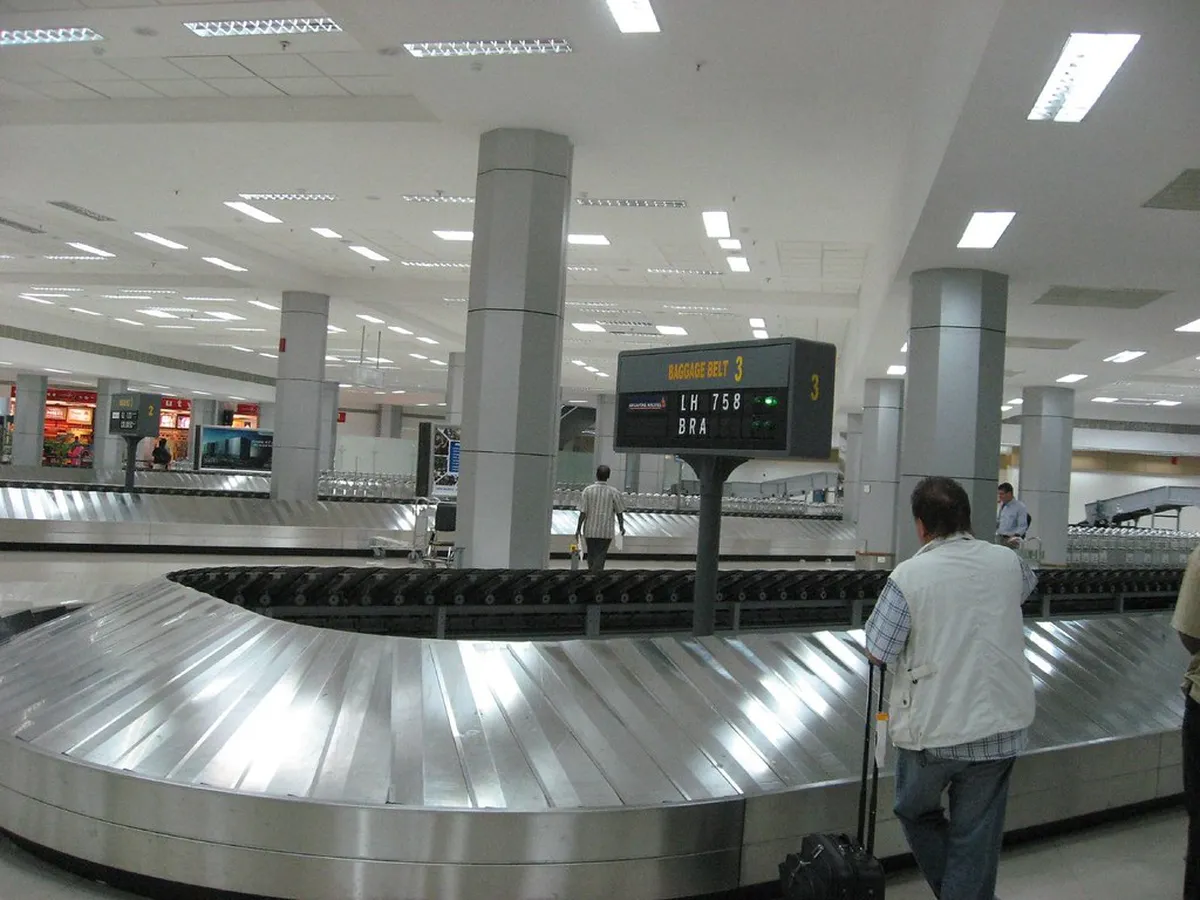
Foreign-SIM travellers are the group most likely to get stuck, because the OTP goes to Indian numbers. AAI installed four kiosks at the international terminal when the free service launched in June 2025 (DT Next). Two sit in the departure hall and two in the arrival hall. Scan your passport and boarding pass at a kiosk, and it prints the OTP on a slip. Staff were posted near the kiosks to help. Carry both documents in your hand before you walk up. Arriving passengers should look in the arrival hall first. Use the terminal map to place the halls. That setup dates from 2025, so ask a staff member if you cannot find a kiosk. If the kiosks are busy or down, use a roaming plan, an eSIM, or the lounge network described below.

- Bring your passport and a boarding pass or ticket printout.
- Keep your phone on the airport network name while you wait for the slip.
- Photograph the slip in case the page times out.
How long it lasts: time, data and extensions
AAI gives 45 minutes of free access at both terminals for an Indian-number login. Launch coverage of the kiosk route gave up to 500 MB or 45 minutes, whichever ran out first (DT Next), so do not assume you get both allowances. AAI says the free time can be extended on payment but publishes no price in the pages we reviewed. When the allowance ends, read the extension offer on the login page. Otherwise switch to a SIM, an eSIM or your roaming plan.
Kiosk logins may carry a 500 MB cap, so plan big uploads for a lounge or a SIM rather than the free terminal network.
Free Wi-Fi vs SIM vs eSIM: which fits you?
Pick by how fast you need data and what documents you hold. Cost levels are relative, because airport SIM prices are not published in our sources.

| Option | Time to get online | Cost level | Documents | Best for |
|---|---|---|---|---|
| Free airport Wi-Fi (Indian number) | A few minutes | Free for the base allowance | Active Indian SIM | Indian-SIM holders, domestic flights |
| Free airport Wi-Fi (kiosk) | Depends on queue | Free for the base allowance | Passport and boarding pass | International arrivals with a foreign SIM |
| Local SIM | Longer, with registration | Low to moderate | Passport, likely more forms | Stays of several days |
| eSIM | Fast if installed before flying | Low to moderate | Phone that supports eSIM | Arrivals needing data at the gate |
- Layover under a few hours: use free Wi-Fi and skip the SIM.
- Foreign SIM and a taxi pickup waiting: install an eSIM before you fly.
- Several days in India: buy a local SIM once you are in the city.
Getting a SIM or exchanging cash at arrival
Official airport pages do not list a SIM counter, so do not plan around one. Read the Chennai Airport official site before you fly, and expect to show your passport for any registration. Cash is easier. AAI lists 2 foreign exchange counters in the Domestic Terminal and 5 in the International Terminal, plus ATMs at both. Data matters most when you book a ride, so read our guide to the airport taxi options first. If you must message a hotel, see the airport hotel list for the address and phone number.
Lounge and work-friendly options
AAI describes lounge Wi-Fi as complimentary. Lounges in the Domestic and International departures admit airline CIP customers, Priority Pass holders and some high-end credit card holders. Lounge Wi-Fi is not confirmed to share the terminal network or its 45-minute limit. Long calls and big uploads fit a lounge better than the free terminal allowance. See the airport lounge guide for entry routes. AAI also says retiring rooms are unavailable during Modernisation Phase II works. Long layovers may need a bed instead, so see the transit hotel options. For wider planning, see the Chennai layover guide.
Troubleshooting and staying safe on airport Wi-Fi
Most failures come from a few repeat causes. A captive login page may not open on a phone that has a saved network. Forget the network and rejoin. If the OTP never arrives, check that the number has Indian roaming coverage, then request a new code once. Move closer to a seating cluster if the signal drops, and save work before the session ends. Use a VPN where it is legal, and keep banking for your mobile data.
- Do not open banking apps on an open captive portal.
- Do not retry the OTP many times in a row.
- Do not start a large upload near the end of your free time.
- Do not leave auto-join on for unknown networks.
Frequently Asked Questions
Is there free Wi-Fi at Chennai Airport?
Yes. AAI lists free Wi-Fi for 45 minutes at the Domestic and International terminals. Logging in requires a valid Indian mobile number.
How to access the airport Wi-Fi?
Select Chennai-Airport-Free Wi-Fi, enter an Indian mobile number and enter the OTP. Passengers without an Indian number can use the international terminal kiosks introduced in June 2025.
Notes for your next connection
Optional updates when our airport guides change.
You might also like
Continue reading
More guides you'll find useful